Blog
Roundups comparing the Mac apps worth putting side by side for one job, written for people working out which kind of tool their problem actually needs.

Menu bar
Small Mac menu bar apps worth keeping
A menu bar app earns its slot by removing one recurring decision or chore without ever needing to be opened, which is why the good ones are small, native and quiet.
Productivity
Sunsama alternatives for Mac, for a day plan that lays itself out around your meetings
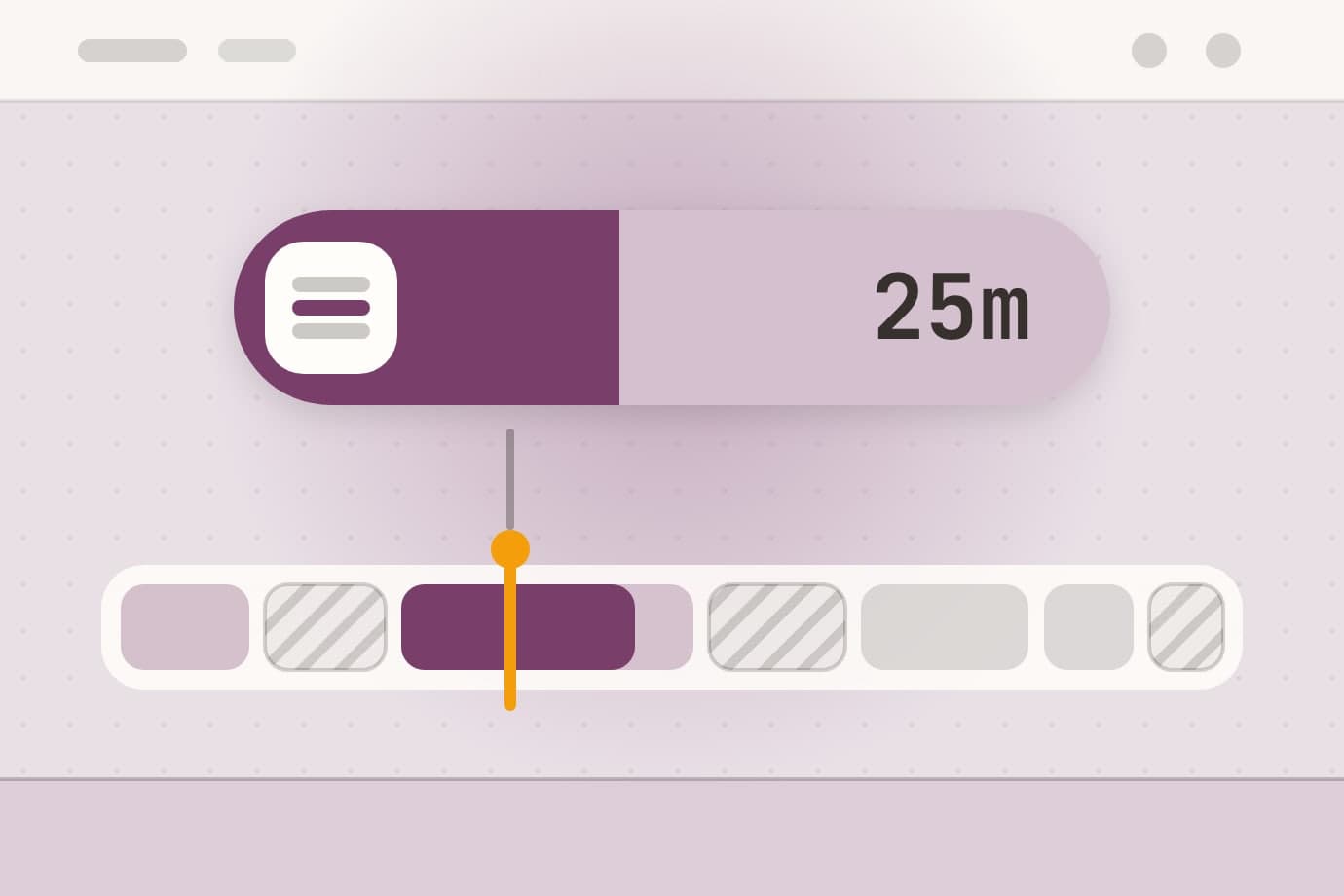
The best Sunsama alternative for a Mac depends on why you are leaving: Morgen and Akiflow keep a calendar-based planning routine across devices, Tiimo is built for ADHD, and Tideline ($4.99 once, macOS 14 and later) lays your tasks into the gaps between meetings by itself and keeps the plan on your Mac.

Productivity
How to time-block your day on a Mac
Time blocking on a Mac works with Calendar, Reminders and Focus alone, as long as every estimate gets about 25% added - but on a day of moving meetings, every overrun means dragging blocks by hand, which is the part an app can take over.

Menu bar
Menu bar focus apps for Mac, and why they belong there
Four native macOS apps keep a focus commitment in the menu bar: Anchored ($3.99) shows the task, Pawodoro ($3.99) the Pomodoro block, CatPod ($3.99) the streak and minutes left, and NoMore ($4.99) a blocker's shield - macOS 14+, bought once, no account.
Menu bar
Health reminders that live in the Mac menu bar
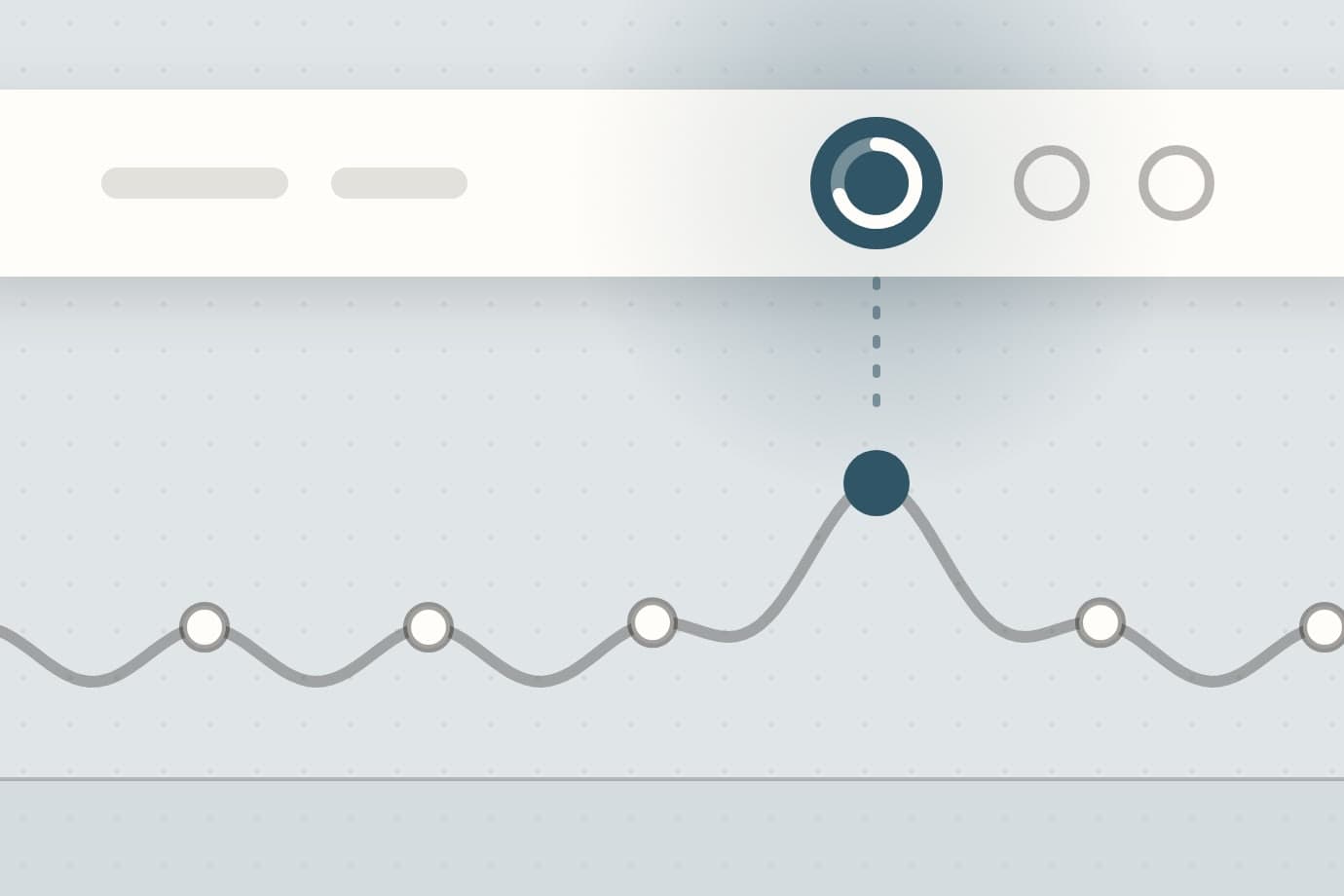
Recess ($2.99) for breaks, Aqumi ($2.99) for water, Poise ($5.99) for AirPods posture and Keystone ($3.99) for habits each show their state in the Mac menu bar, with no account and data kept on the Mac; the first three hold reminders during calls, and Keystone reminds only at times you set.
Menu bar
Menu bar time apps for Mac: a countdown, a day tracker and the time left
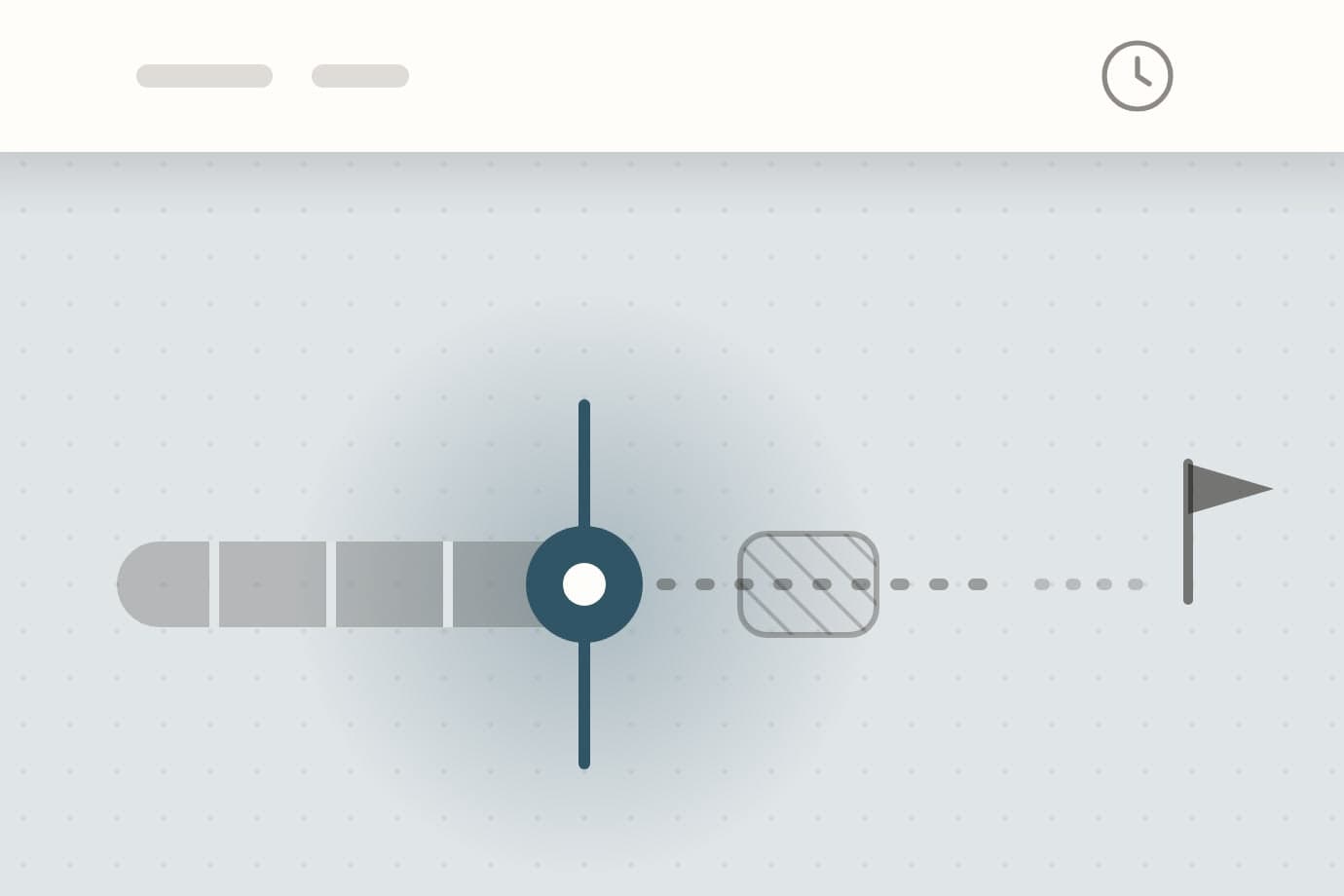
Await ($3.99) counts down to a date, Tally ($4.99) shows where today's hours went and Tideline ($4.99) shows the current task and the free time left, each as a live reading next to the Mac menu bar clock.

Health
Posture Pal alternatives for Mac, for an AirPods posture coach that fits a work day
The best Posture Pal alternative for a Mac depends on why you are leaving: SitTall is a $5.99 native app, Nekoze uses the webcam for free, and Poise ($5.99 once, macOS 14 and later) learns your upright from your AirPods, fogs the screen only for a held slouch and stays quiet during calls.

Utilities
How to send large files by email on a Mac
An email attachment limit is measured after the file has been encoded for the trip, so a 25 MB limit holds about 18 MB of files - and past that you either send a link or send a smaller file.

Utilities
The best file converter apps for Mac
The best file converter for a Mac depends on the job: Permute for the widest format list, Smart Converter or HandBrake for free video, Squash for photo batches, and Sculpt for files that have to fit an e-mail or a chat.
Health
The best posture apps for Mac
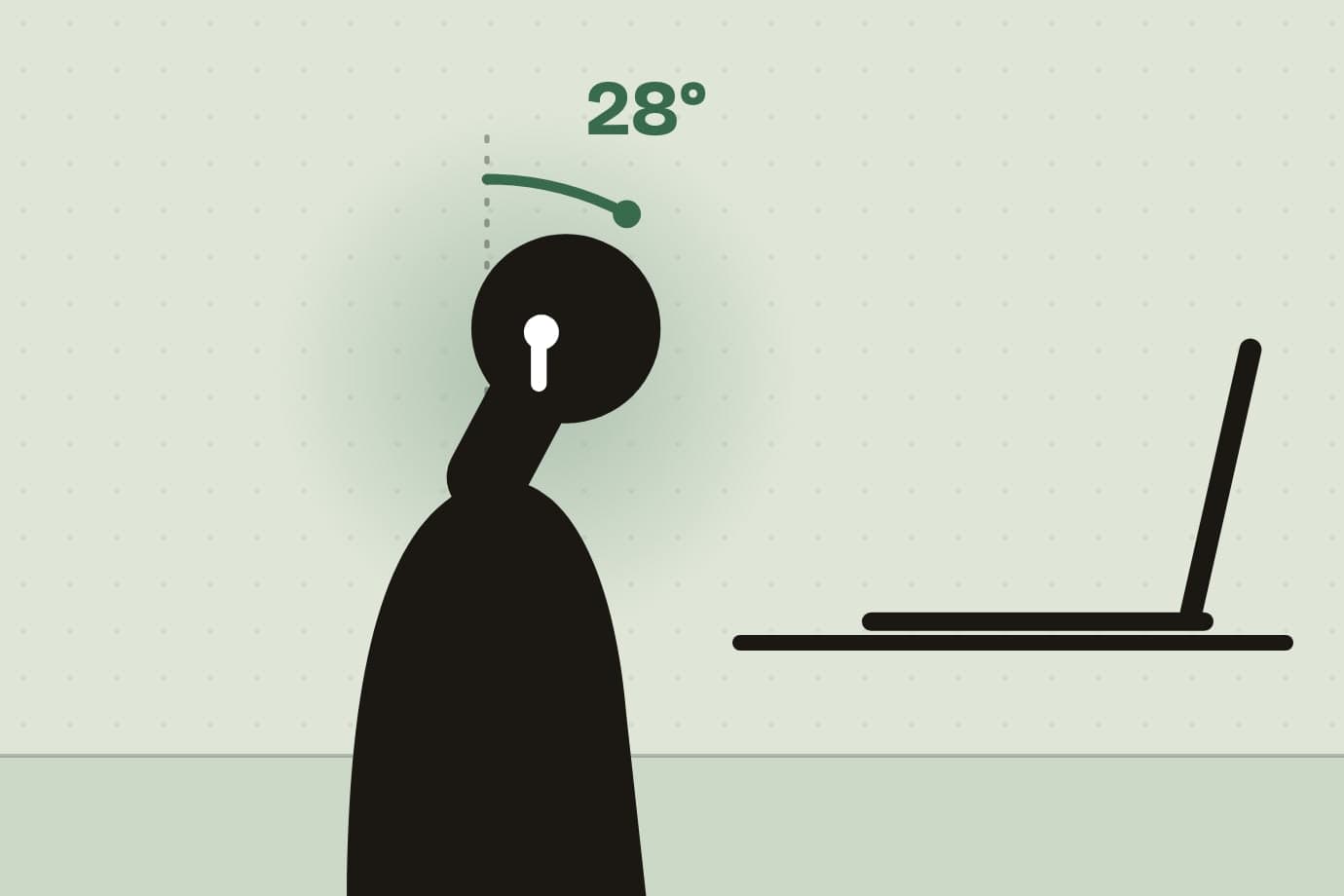
A posture app for Mac borrows a sensor to notice when you slouch - either the motion sensors in AirPods, which feel the head drop, or the camera, which sees the head and shoulders - and alerts you until you sit up.

Utilities
Permute alternatives for Mac, for macOS 14 and Intel too
The best Permute alternative for a Mac depends on why you are leaving: HandBrake is free with full encoder control, and Sculpt ($4.99 once, macOS 14 and later, Intel too) converts images, PDFs, video and audio to the size a service accepts, and undoes a whole run.

Health
Daily routine apps for Mac, one menu bar job at a time
A daily routine at a Mac is not a morning schedule but a handful of small repeats through the working day - habits, water, breaks, one focused task - and each works best as a quiet nudge in the menu bar rather than one more app to open.
Health
Habitify alternatives for Mac, for one price and no account
The best Habitify alternative on a Mac depends on where your habits happen: keep Habitify for your phone, watch and Apple Health, and pick Keystone at $3.99 once for habits at one Mac, with every feature included, no account, streaks that count only due days and breaks for one habit or all.
Utilities
AppCleaner alternatives for Mac, when free is not enough
The best AppCleaner alternative for a Mac depends on what you want to stop worrying about: AppCleaner itself is free and fine for removing an app and its Library folders, while Unroot ($3.99 once) adds a reason on every file, one-click undo, and cleanup of privacy permissions and orphaned leftovers.
Productivity
RescueTime alternatives for Mac, without the subscription or the cloud
The best RescueTime alternative for a Mac depends on why you are leaving: ActivityWatch is free and local, Timing goes deeper on projects, and Tally ($4.99 once) answers where your day went with no account, no subscription and nothing leaving the Mac.

Productivity
OmniFocus alternatives for Mac, when the work comes in chains
The best OmniFocus alternative on a Mac depends on what fails: keep OmniFocus for review, perspectives and sync across every Apple device, and pick Plexus at $4.99 once when tasks wait on other tasks, for a dependency graph, a Ready list of what can start now and on-device AI that turns a paragraph into a plan.
Utilities
Time Machine alternatives for Mac, and the layer it is missing
The best Time Machine alternative for Mac depends on what you fear losing: keep free Time Machine for the whole Mac, add Carbon Copy Cloner, Arq or Backblaze for a second or offsite copy, and pick Retrace at $4.99 once for a folder's version history, with a copy seconds after each save and an undoable rewind.
Utilities
Hazel alternatives for Mac, with a preview and an undo
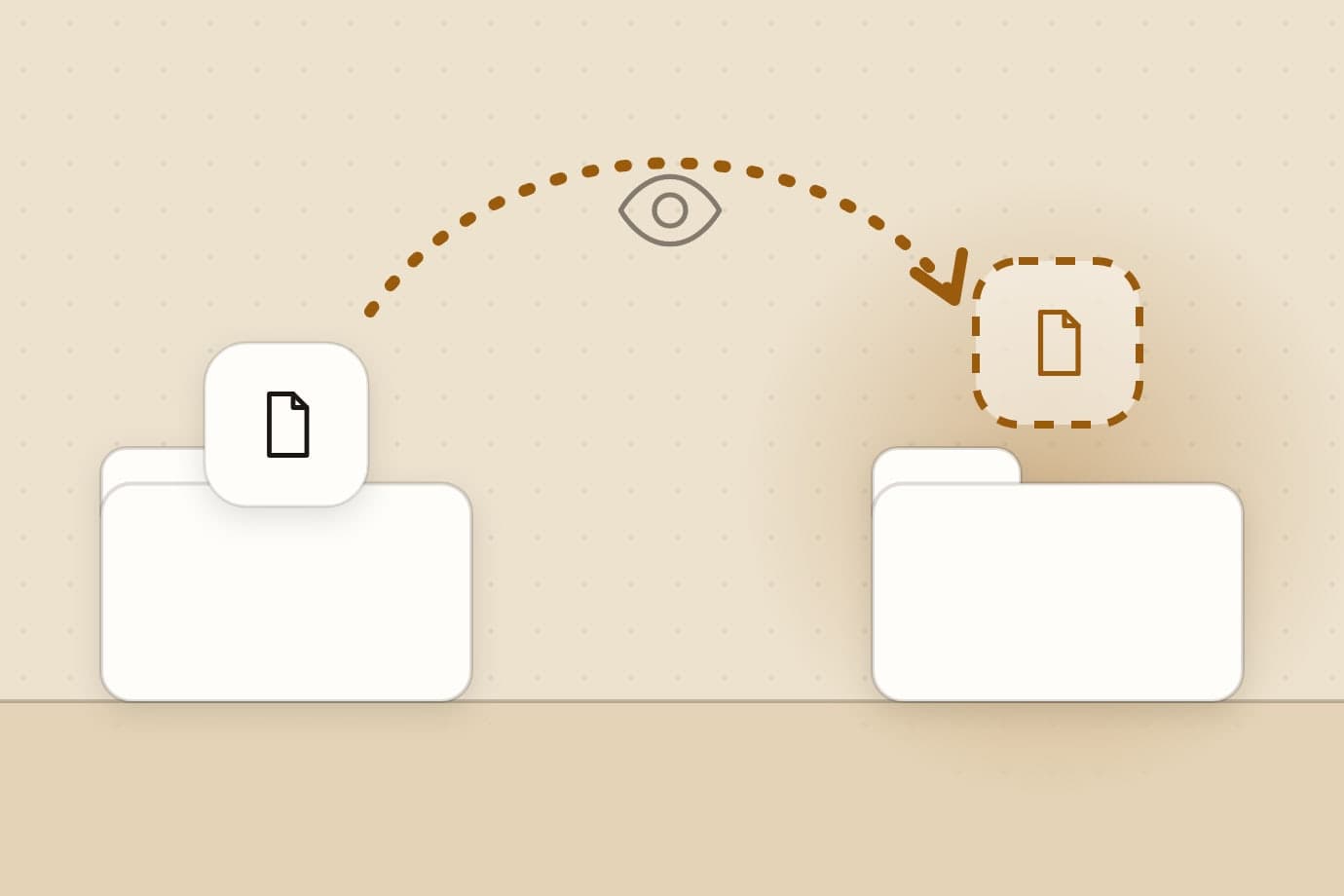
The best Hazel alternative on a Mac depends on what your rules do: keep Hazel for scripts and rules that read inside files, and pick Sweep at $5.99 once for plain rules on Downloads, a preview before a Confirm rule moves anything and a one-click undo for every batch, on the Mac App Store.
Productivity
The best screen time apps for Mac
Screen time on a Mac is three jobs rather than one: measuring the day in a way you can trust, limiting the things you open by reflex, and breaking the hours themselves before your eyes and back start complaining.
Focus
Freedom alternatives for Mac, without the subscription
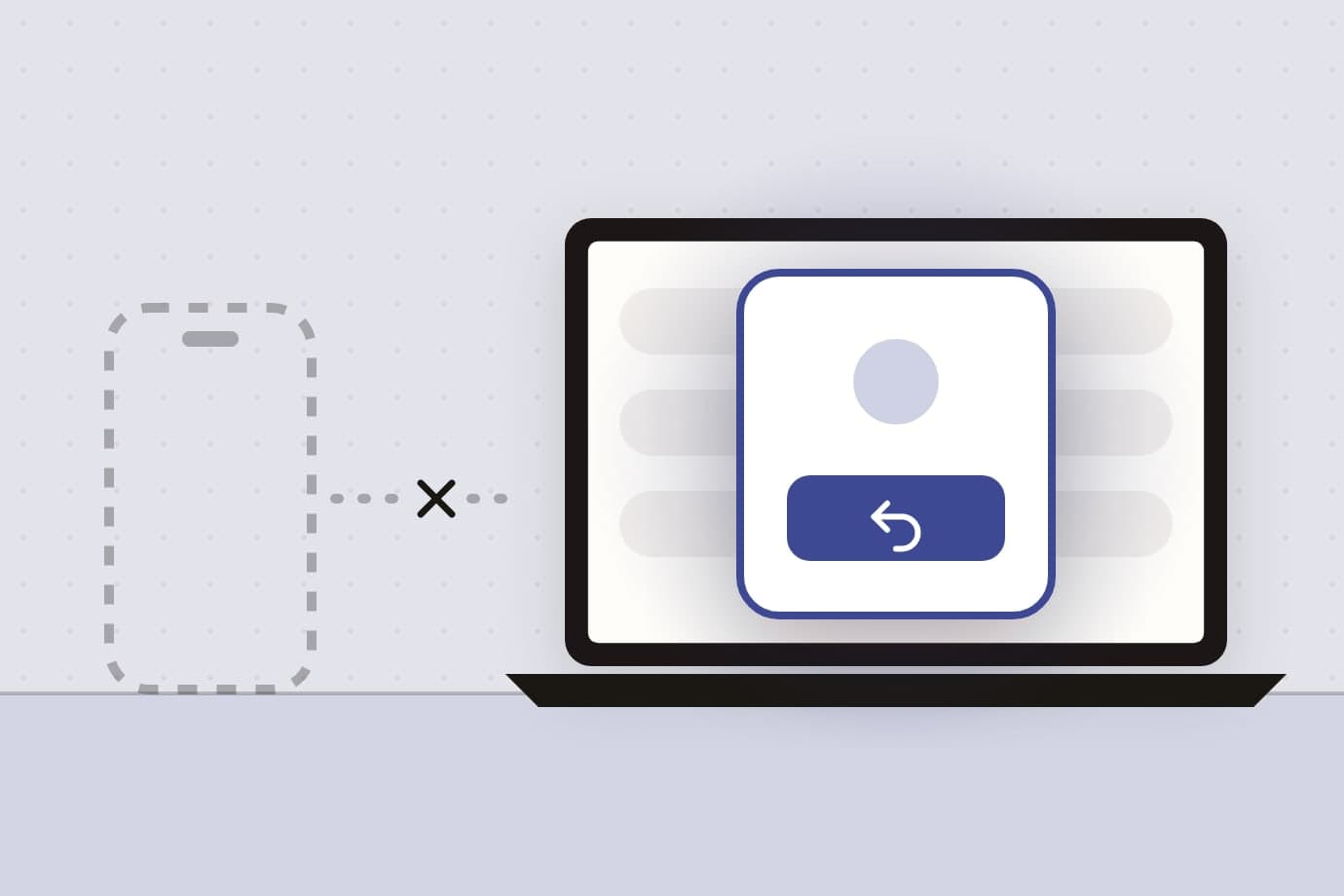
The best Freedom alternative on a Mac, for the Freedom app blocker, depends on what fails: SelfControl or Cold Turkey for a wall, and NoMore at $4.99 once for a choice at the moment you open a site or app, with no session, no account and no proxy. Freedom stays the answer when the phone is the problem.
Focus
The best Mac apps for ADHD
There is no ADHD app for a Mac, only ordinary apps that each remove one specific cost: choosing what to work on, fitting it around the meetings, starting it, breaking a wall of work into a next step, catching a reflex, and noticing you never stopped.

Focus
Session alternatives for Mac, without the subscription
The best Session alternative on a Mac depends on whether you need your iPhone in the loop: keep the Session Pomodoro timer for blocking, sync and reflections, and pick Pawodoro at $3.99 once for a menu bar timer whose breaks fill every display, with custom lengths and all-time stats included and no account.
Utilities
Free up disk space on a Mac
The space you can get back on a Mac is not one number but four named piles, and only three of them are worth installing anything for: old installers, duplicate files, and what the apps you deleted left behind.

Health
WaterMinder alternatives for Mac, for the desk you forget at
The best WaterMinder alternative on a Mac depends on where you forget to drink: keep WaterMinder for the Apple Watch, Apple Health and a log on every device, and pick Aqumi at $2.99 once for a menu bar tracker that reminds you only when you fall behind your pace, with no ads and a log that stays on the Mac.

Productivity
On-device AI apps for Mac
On-device AI on a Mac means the model runs on your own silicon rather than in a data center, which buys you privacy and offline use at the cost of the breadth a frontier model gives you.
Focus
The best focus apps for Mac
There is no single best focus app for Mac, because three different problems share the name: not starting needs a timer, drifting mid-session needs a blocker, and never stopping needs a break reminder.
Productivity
Productivity apps for Mac
A Mac productivity app is a tool that reduces the number of decisions you make about your work, and the five here cover the day end to end: the plan, the schedule, the priority, the pace and the ledger.

Health
Time Out alternatives for Mac, for breaks you actually take
The best Time Out alternative for a Mac depends on what fails: Stretchly is free on every platform, LookAway pauses for meetings, and Recess ($2.99 once, macOS 14 and later) holds breaks for calls and video and guides each one, with no Accessibility permission.
Utilities
Mac utility apps worth installing
A Mac utility is a small app that removes one recurring annoyance from your day rather than adding a workflow, and the three here handle distraction, file clutter and forgotten dates.

Focus
The best Pomodoro timer for Mac
The best Pomodoro timer for Mac is the one whose break you actually take: a native menu-bar app that starts in one click, works offline, and makes the pause hard to skip.
Health
Desk health apps for Mac
Desk health apps for Mac interrupt long sitting sessions on a schedule, prompting you to rest your eyes, move, or drink water at intervals you set.
What ends up here
Roundups. Each one takes a job - blocking a site, seeing where the day went, getting a folder back - and compares the apps that do it, ours and other people's, including the places where somebody else's wins.
Nothing here is sponsored. Where an app of ours is a good answer we say so and link to it, and where it is not, we say that too.
Some of them start from a name rather than a job, because that is how people search: Hazel, Freedom, Session, OmniFocus, WaterMinder and Time Machine each get a page that says what they are good at first.
For one app in full, feature by feature, the handbook has a guide for each of them.