Handbook
The long answer for each of our macOS apps: what it does feature by feature, with real screenshots, so you can tell whether it fits before you download anything.
 Tideline
How to plan your day on a Mac around your meetings
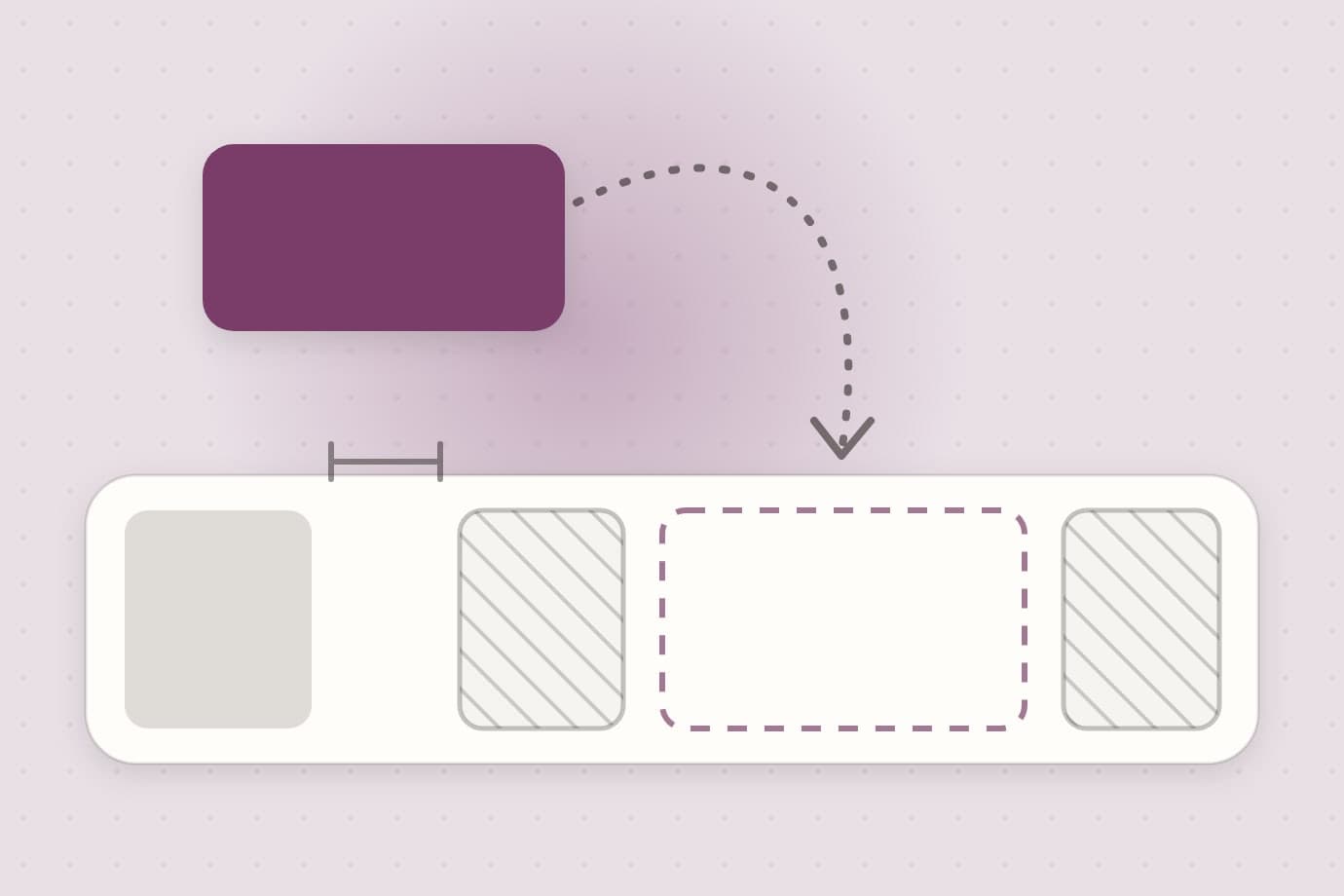
To plan your day on a Mac when meetings break it into pieces, each task has to go where it actually fits - Tideline lays your list into the free gaps of your calendar, inside your working hours, and moves whatever is left to tomorrow.
 Await
AwaitAn event countdown timer for Mac, feature by feature
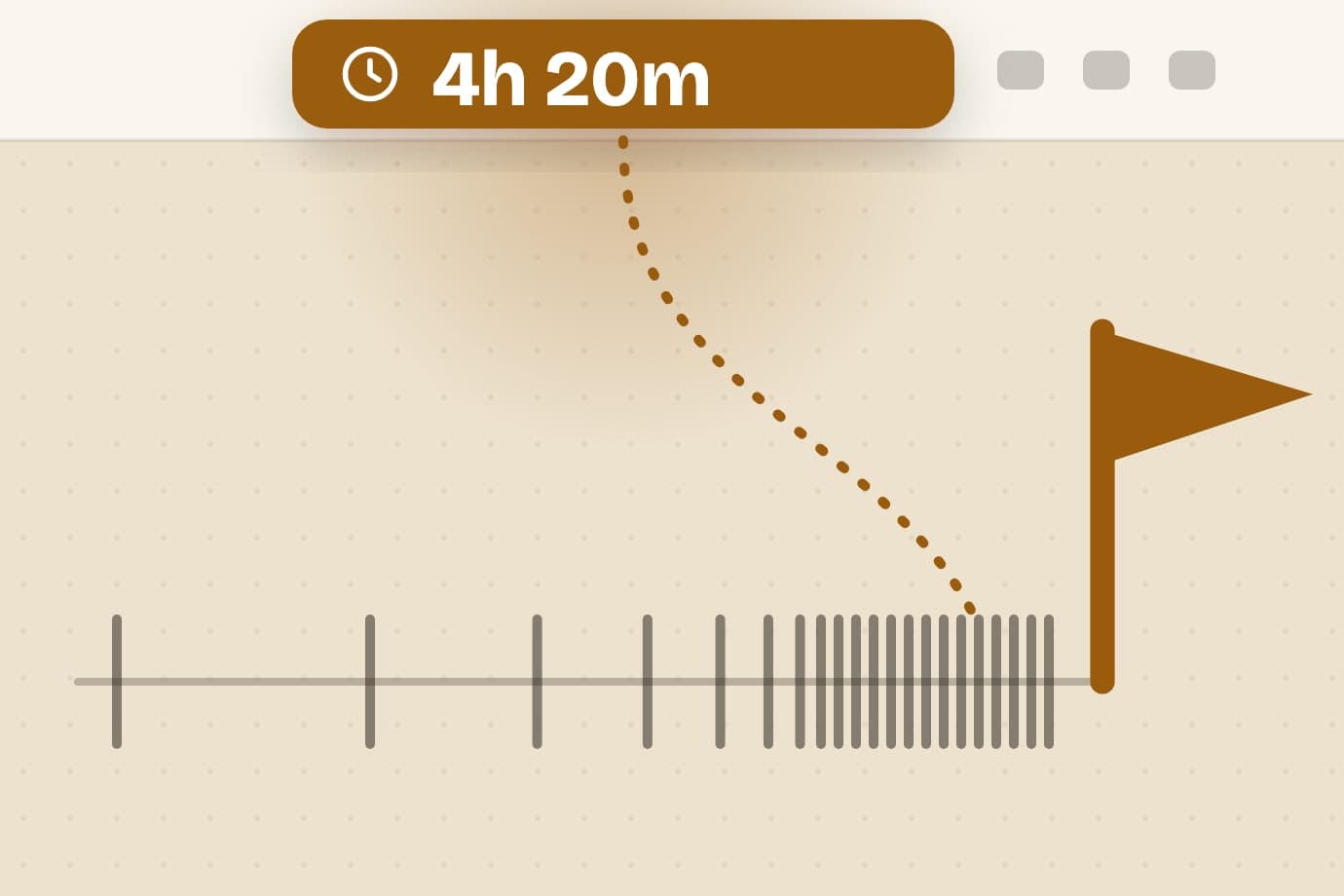
An event countdown timer for Mac pins one date you have chosen to the menu bar and shows the time left to it, at a resolution that sharpens from days to seconds as the moment approaches.

 CatPod
A virtual pet app for Mac, feature by feature
A virtual pet app for Mac puts a small animated companion on your desktop, and CatPod ties its pixel cat to a focus timer, so a finished work session is what feeds it.
 Tally
TallyAn app usage tracker for Mac, feature by feature
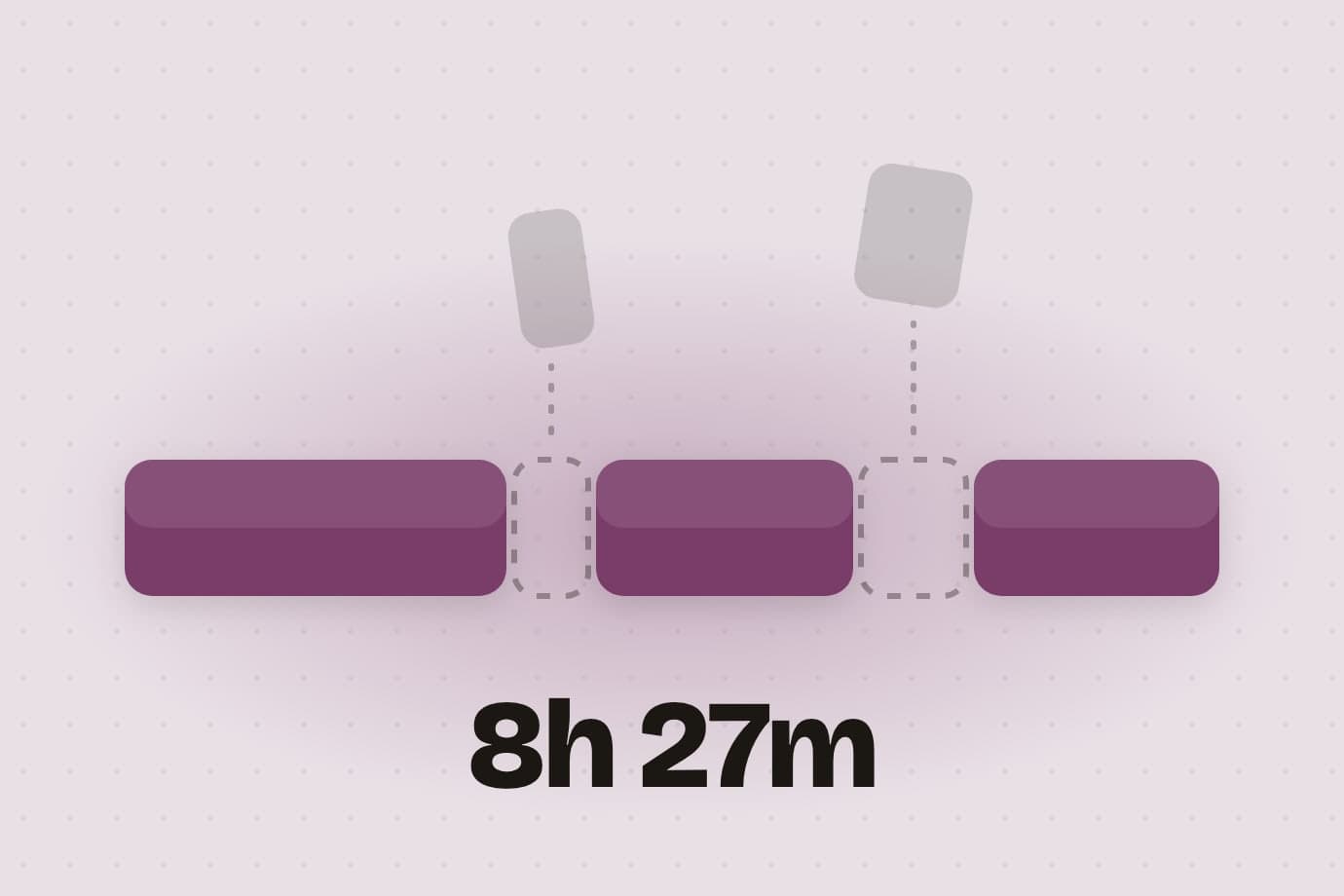
An app usage tracker for Mac is only worth reading if it subtracts the time you were not there, which is why Tally discards idle time, sleep and alt-tab noise before it shows you a single number.

 Poise
PoiseA slouch reminder for Mac that reads your AirPods
A slouch reminder for Mac notices when your head stays dropped toward the screen and nudges you back up - Poise does it from the motion sensors in your AirPods, with no camera.

 Keystone
A habit tracker for Mac, feature by feature
A habit tracker for Mac keeps today's habits in the menu bar, so ticking one off takes a click instead of a trip to an app, and the streak survives the days you planned to skip.

 Pawodoro
A menu bar Pomodoro timer for Mac, feature by feature
A menu bar Pomodoro timer for Mac runs the work and break intervals from the status bar, and Pawodoro's answer to the break everyone skips is a full-screen video that covers every display.
 Aqumi
AqumiA water reminder app for Mac, feature by feature
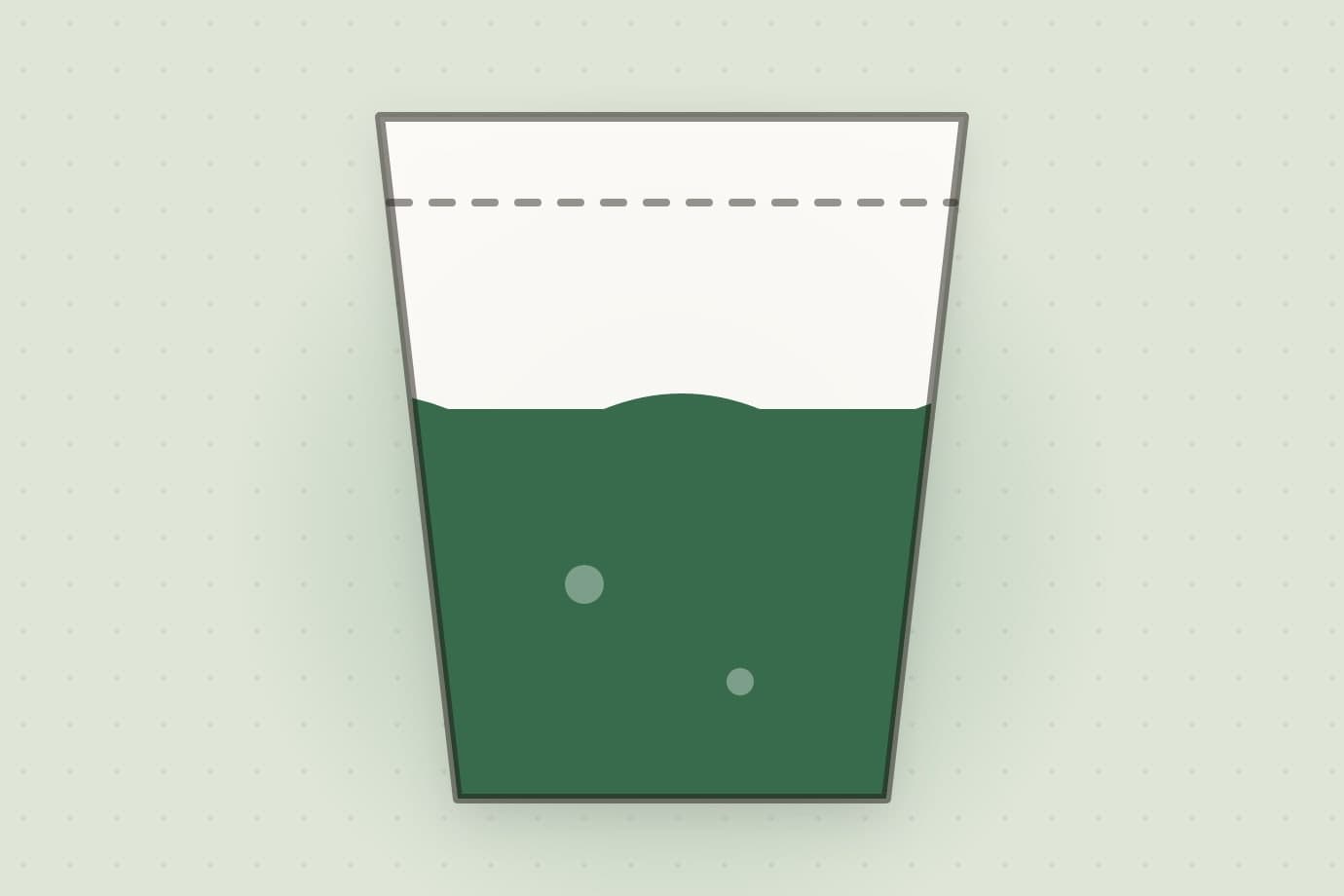
A water reminder app for Mac keeps your daily hydration goal in the menu bar, logs a glass in one tap, and nudges you on a cadence you set rather than on a schedule someone else picked.

 Anchored
A menu bar task timer for Mac, feature by feature
A menu bar task timer keeps one chosen task and its remaining time in the macOS menu bar, so the thing you committed to this morning stays visible without opening a window, a tab or a list.
 NoMore
How to block websites on a Mac, and what each way costs
To block a website on a Mac you can edit the hosts file, install a browser extension, or run a native app that watches the frontmost window - only the third one also covers the apps you drift into.
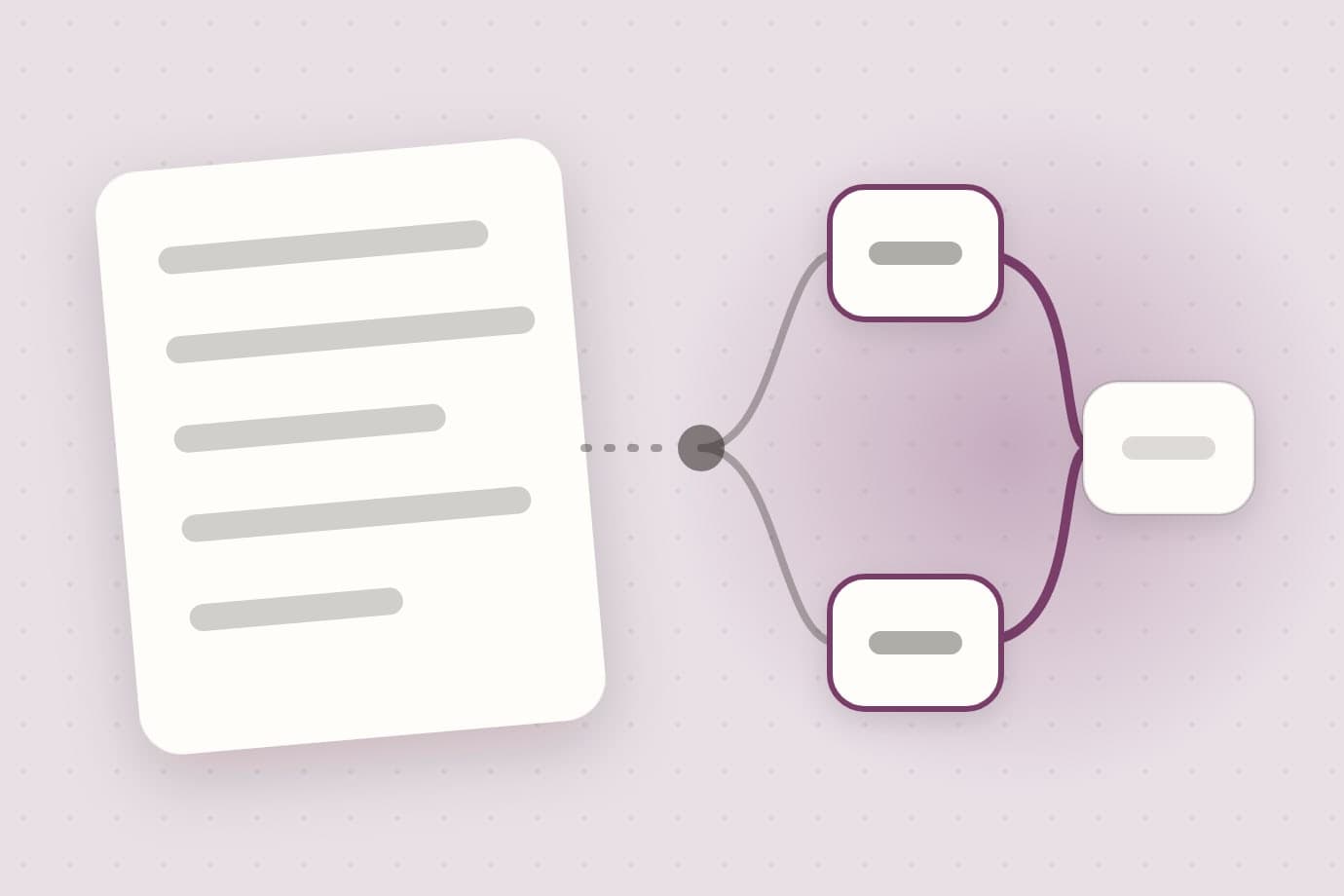
 Plexus
Turning notes into tasks on a Mac, feature by feature
To turn notes into tasks on a Mac you need something that reads the prose once and hands back the tasks already wired, because transcription is exactly where a plan you wrote down stops being a plan you work from.
 Recess
A 20-20-20 rule app for Mac, feature by feature
A 20-20-20 rule app for Mac counts the twenty minutes for you and puts a short look-away break on the screen, because the state where you need the reminder is exactly the state where you will not notice.
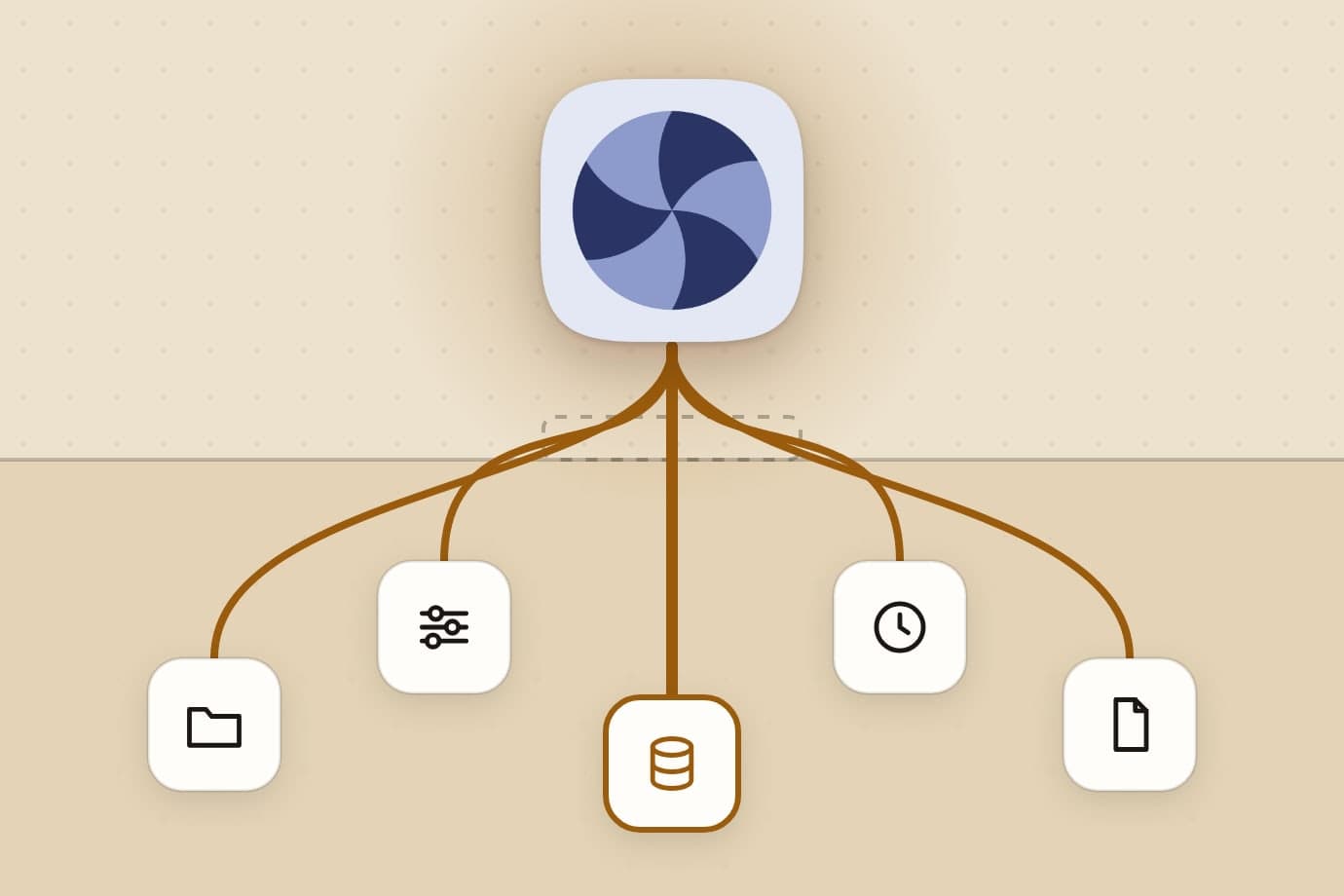
 Unroot
How to uninstall apps on a Mac, completely
Uninstalling a Mac app completely means the bundle plus everything it wrote outside itself - preferences, caches, launch items, permission entries - and Unroot moves all of it to the Trash rather than deleting it, so one click puts every file back.
 Sweep
SweepSorting files automatically on a Mac, feature by feature
To sort files automatically on a Mac you need something that makes the filing decision at the moment a file lands, because filing it later always costs more than leaving it where it is.
 Retrace
How to recover an overwritten file on a Mac
Recovering an overwritten file on a Mac means finding whichever layer still has it - the app's own Revert To, a Time Machine snapshot, a synced folder's version history - and the gap all three leave is an unsynced folder edited by an app that versions nothing.
 Sculpt
Batch converting files on a Mac, feature by feature
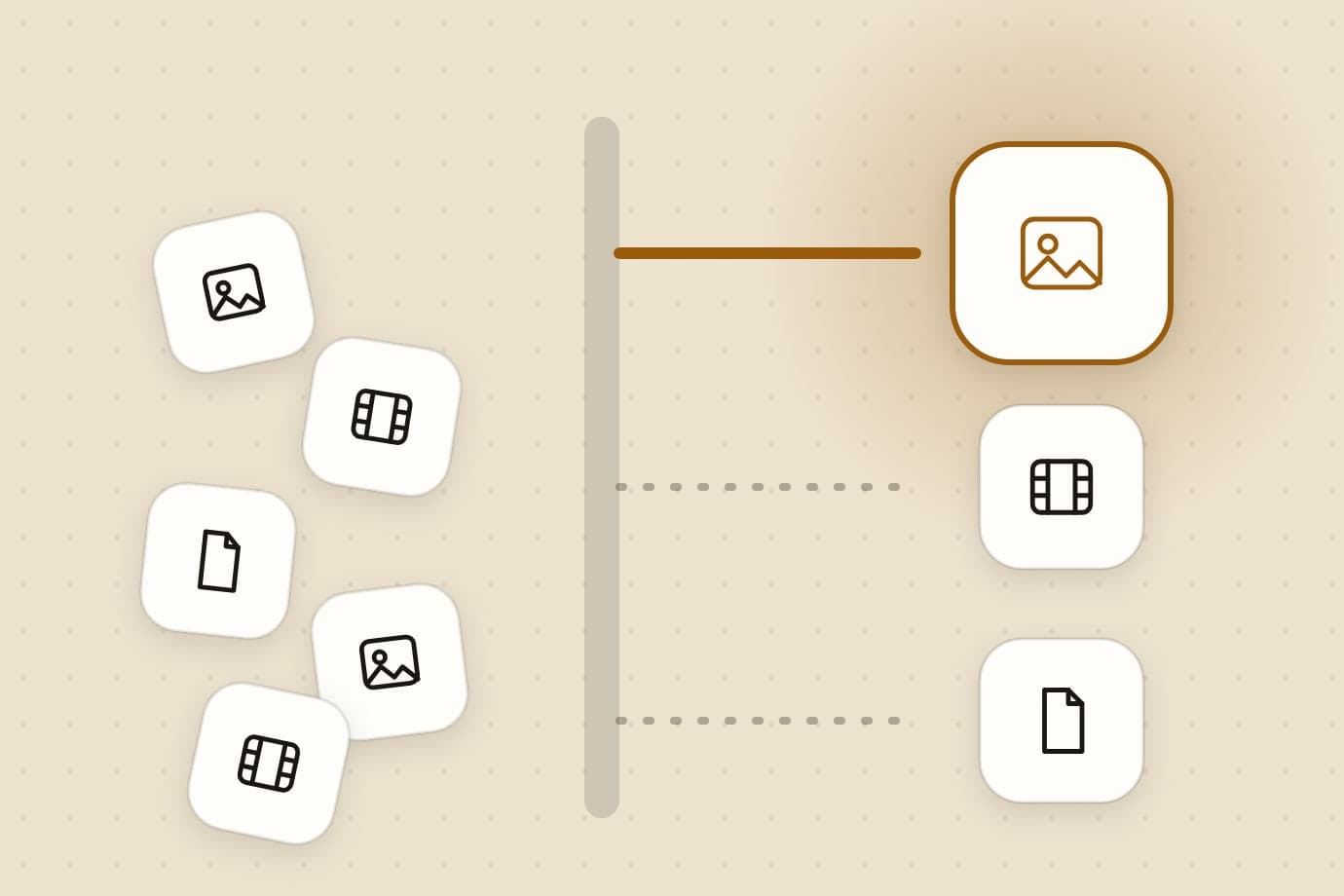
To batch convert files on a Mac when the batch mixes photos, PDFs and video, each kind needs its own output - and Sculpt sorts one drop into groups by kind, converts them offline and lets you undo the whole run.
What a guide is
The long answer for one app: what it does feature by feature, with real screenshots, the keyboard shortcuts, the settings that matter, the price, and a section on what it deliberately does not do. That last part is usually what decides whether a tool fits.
The app pages are the short answer, there to tell you what something is in thirty seconds. A guide tells you whether you would still be using it in a month.
If you are still working out which kind of tool your problem needs, the blog compares several at a time.