A routine at a desk is a handful of small repeats
Most routine apps picture a morning: wake up, water, stretch, journal, out the door. That part of the day happens away from the computer, and a phone app covers it well. The part nobody plans is the eight hours after it, at a desk, where the routine is the same few things on repeat: drink something, look away from the screen, stand up, work on the one thing that matters, and at the end of the day tick off the habits you said you would keep.
None of those needs a planner. Each needs a small nudge at the right moment and a way to say "done" that costs less than the thing itself. On a Mac that place is the menu bar: always visible, never in the way, one click from any app.
This page covers the apps that do each of those jobs from there, including ours, and the ones that do them better in some cases.
The habits themselves, in one ring
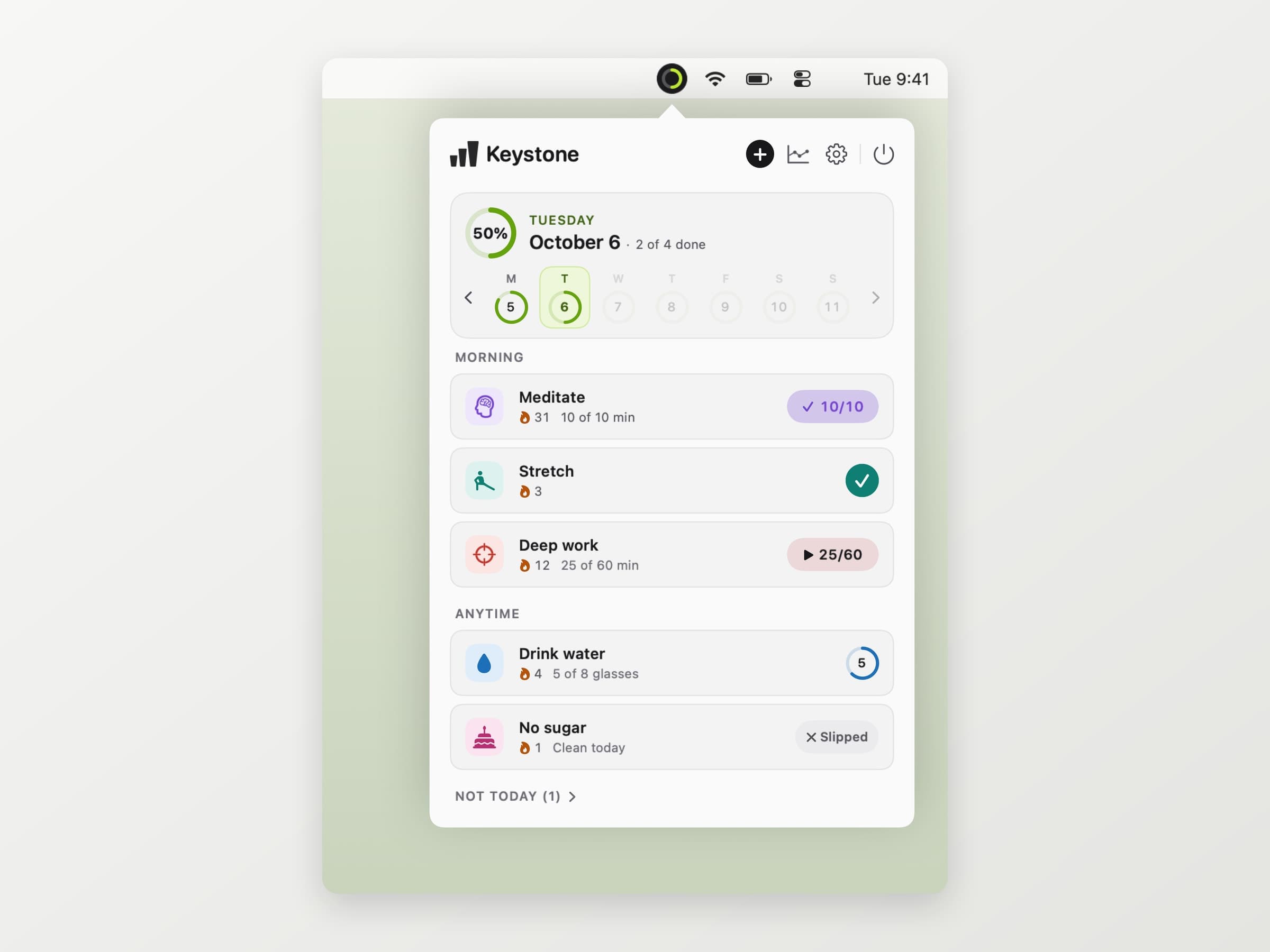
Keystone is the checklist under all the others. A ring in the menu bar fills as the day's habits get done, and one click on a habit in the popover logs it. Habits are grouped into morning, afternoon, evening and anytime, so the list at 4 pm shows what is left of the afternoon rather than everything at once.
A habit can be a tick, a count like eight glasses, a number of minutes or something you avoid. It can run every day, on set days, a few times a week or every few days, with up to three reminders, and the reminder has its own Done and Skip today buttons. Streaks only count the days a habit was due, so a day off, a skipped day or a week on holiday never costs one. If you work late, the day can start at any hour up to 5 am.
It is pay what you want with a suggested $4.99, zero included. Everything it does is in a habit tracker for Mac.
Water and breaks, without nagging all day
Two of the habits on most lists are things a desk actively takes away: water and time away from the screen. They need more than a daily tick, because they repeat through the day.
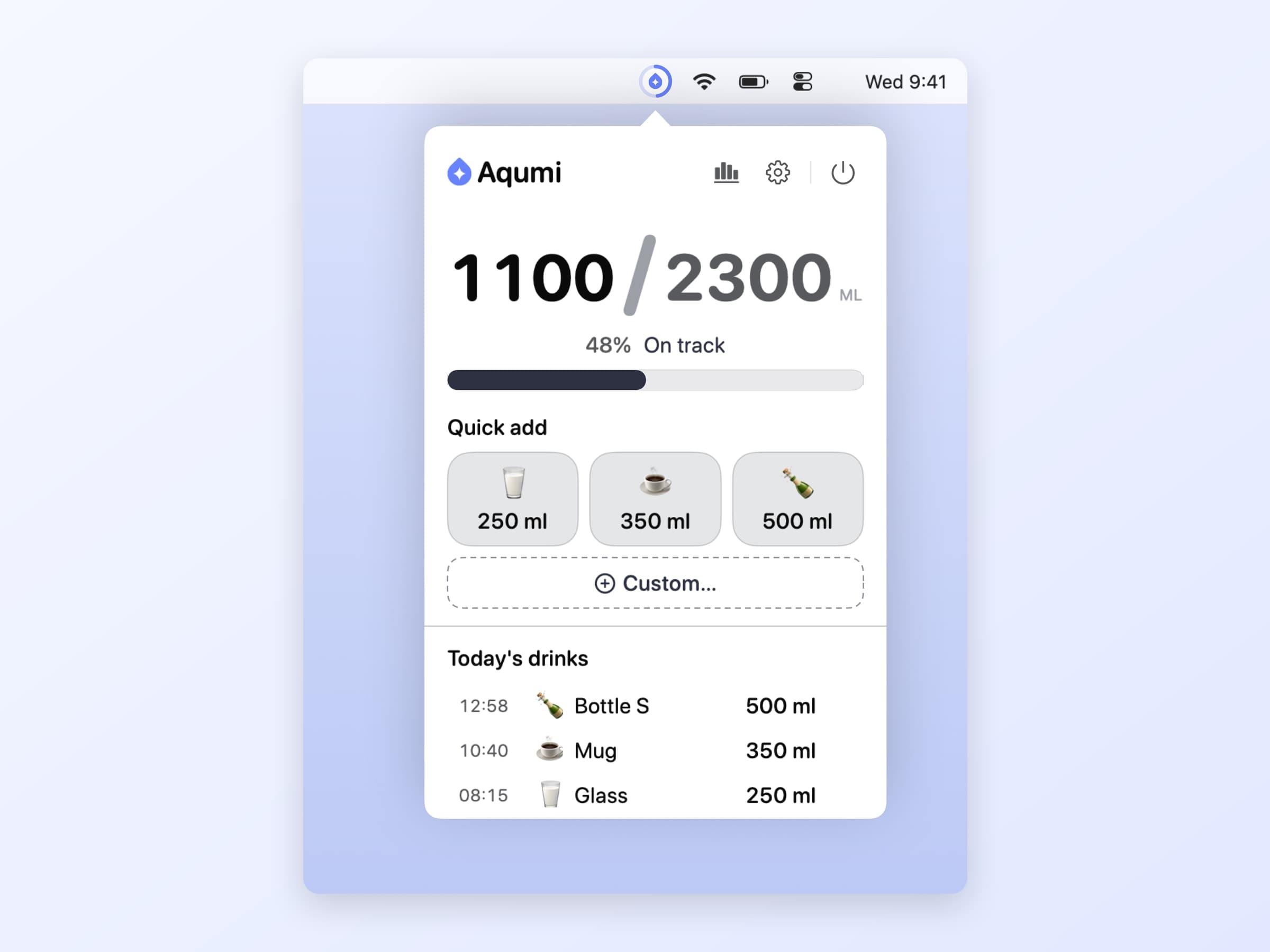
Aqumi keeps a daily water goal in the menu bar. It works the goal out from a short profile or takes your own, logs a drink in one tap on a preset or with a global shortcut, and reminds you on a cadence that respects quiet hours. Pay what you want, $3.99 suggested.
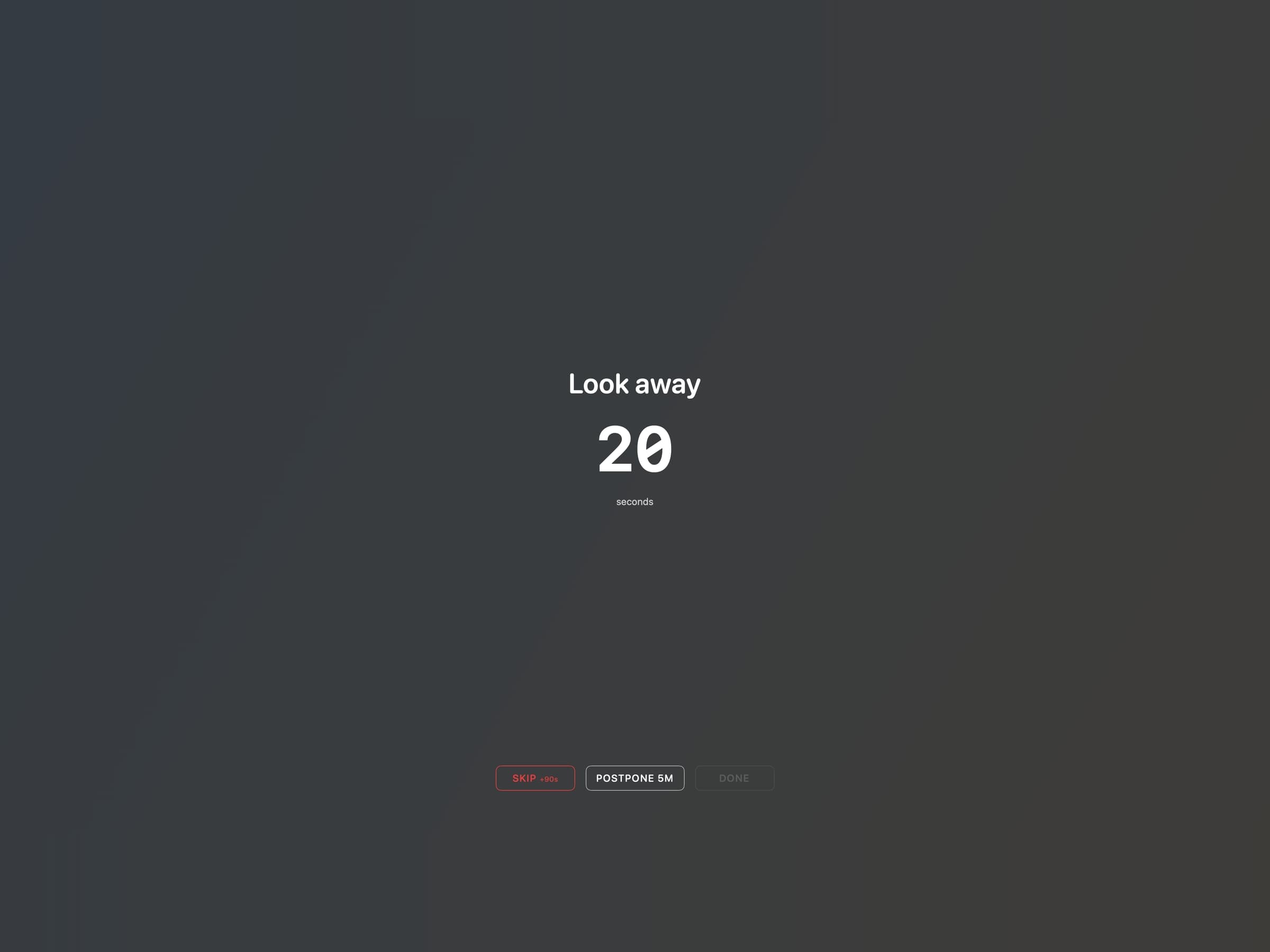
Recess runs eye breaks and body breaks on two separate timers, and when one is due a countdown warns you, then the screen dims. Breaks wait during Focus, calls and the apps you name, so it does not land in the middle of a meeting, and stepping away from the Mac long enough counts as the break. Pay what you want, $3.99 suggested.
Focus blocks and the one task in front of you
The rest of a routine at a desk is work, and the habit there is less "do more" than "start, and stay on one thing".
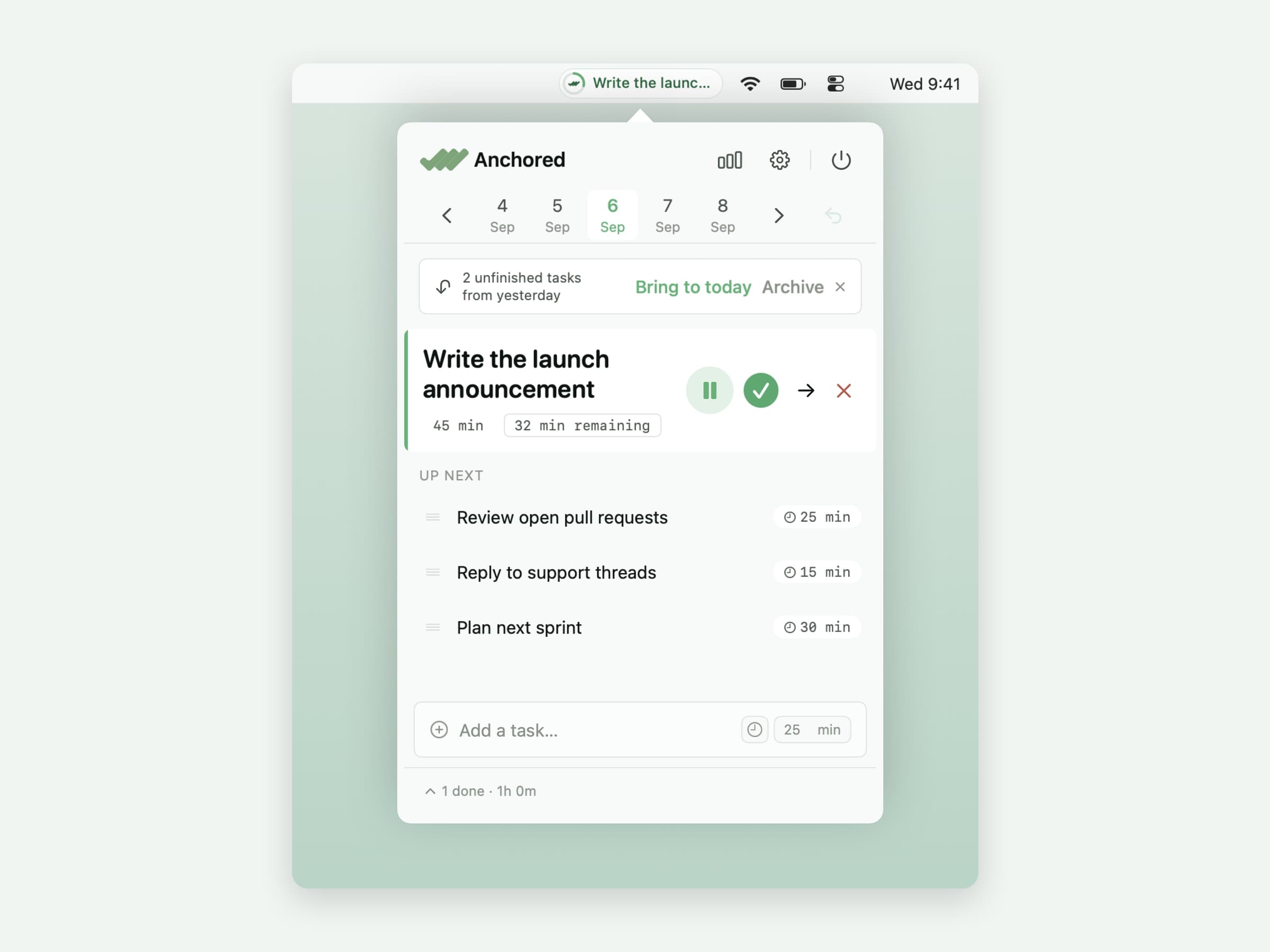
Anchored keeps one anchor task in the menu bar with a quiet countdown and the rest of the day queued behind it. Unfinished work from yesterday is offered back in the morning, and a review shows what your estimates were actually worth. Pay what you want, $3.99 suggested.
Pawodoro is a Pomodoro timer for people who skip breaks: when a work block ends, a cat video you picked takes over the screen. It is a one-time $4.99 purchase.
What macOS already does for free
Before buying anything, macOS covers a surprising amount of a routine.
Reminders does recurring tasks at a set time, every day or on set days. It is the simplest habit tracker there is, without streaks or history.
Calendar handles time blocks. A repeating "deep work" event at 9 am is a routine, as long as you respect it.
Focus modes can switch on by schedule and hide notifications from everything but the apps you allow, which is half of what a focus app does.
Screen Time can set downtime for the evening, which is the other end of the day.
What none of these does is count. Reminders forgets yesterday once you tick today, and nothing in macOS tells you that Tuesdays are the day the routine falls apart.
Where the alternatives win
Structured wins if your routine is really a schedule. It lays the whole day out on a timeline you drag tasks along, on iPhone, iPad, Apple Watch and Mac. It is free to start, with Pro by subscription (up to $34.99 a year) or $99.99 once, and the Mac app needs macOS 15.
Streaks and Habitify win when the habits happen away from the Mac. Both sync to a phone and a watch, and both read Apple Health, which a Mac-only app cannot. The trade-offs are covered in Habitify alternatives for Mac.
Stretchly is free, open source and runs on Mac, Windows and Linux, if all you want is a break reminder. Mizu is a free, open source water reminder for the same kind of person.
Side by side
| Job | Swiftfox app | Free or built-in option | Elsewhere |
|---|---|---|---|
| Daily habits | Keystone, pay what you want | Reminders | Streaks, $5.99 once; Habitify, subscription |
| Water | Aqumi, pay what you want | Mizu, free | WaterMinder, subscription |
| Eye and body breaks | Recess, pay what you want | Stretchly, free | Time Out, free with optional support |
| Focus and one task | Anchored, pay what you want | Focus modes, Calendar | Structured, subscription |
| Work and break blocks | Pawodoro, $4.99 once | Clock app timer | Session, subscription |
You do not need all five, and a routine that needs five apps to run is probably too complicated. Pick the one job you keep failing at, put it in the menu bar, and add the next only once the first one has stuck. Breaks and water are covered in more depth in desk health apps for Mac.
Prices and features checked on 6 October 2026.


