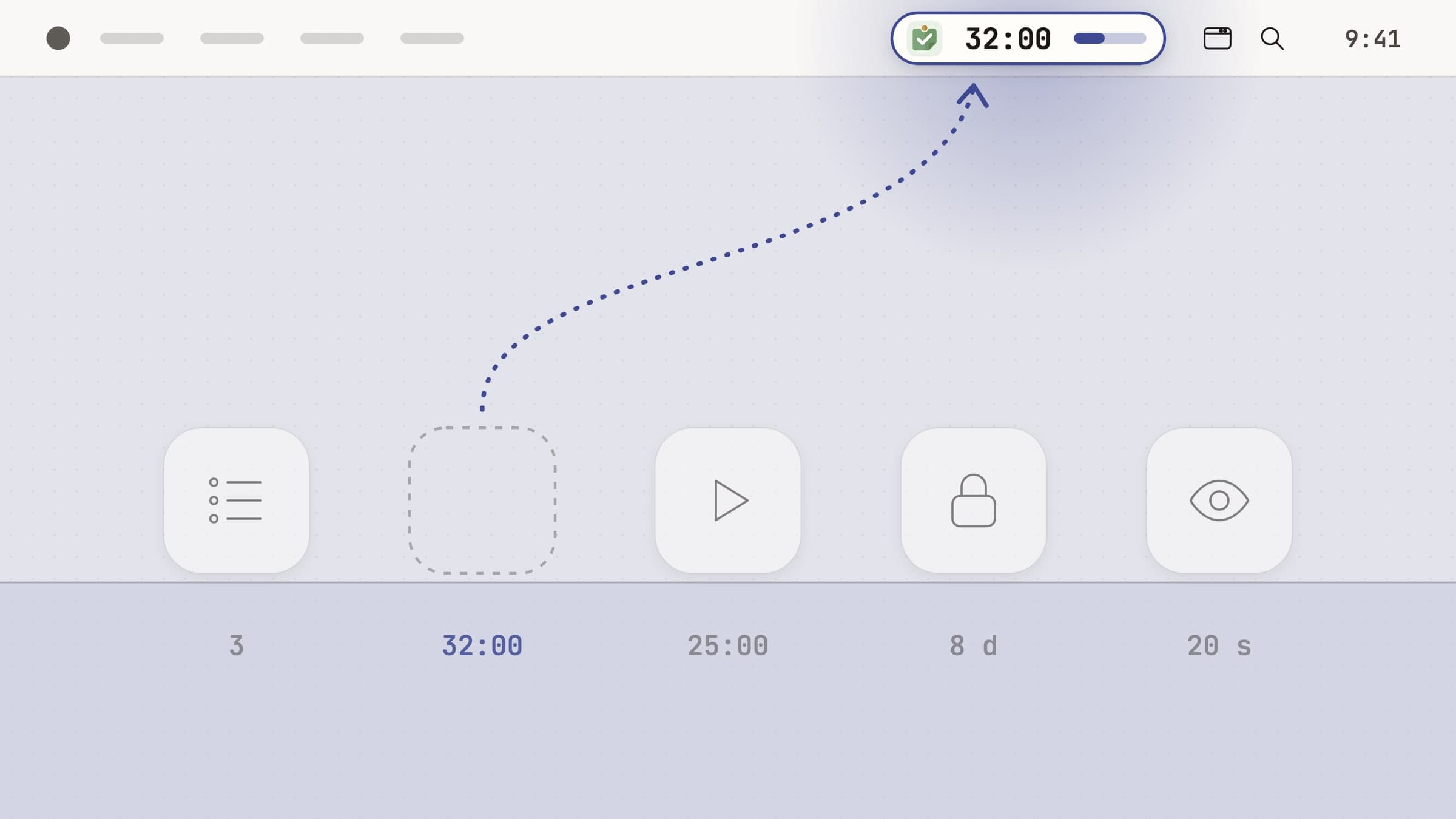
What software can and cannot do here
None of the apps below is a medical tool. None diagnoses anything, none treats anything, and none is a substitute for a professional or for whatever is already working for you. It is worth saying plainly, because this category is full of software that implies otherwise.
What software can do is narrower and still worth having. It can settle a decision in advance, outside the moment where it is hardest to make. It can hold a plan somewhere other than your head. And it can interrupt you on a schedule that has nothing to do with how interesting the current tab is.
That is the same mechanism anyone gets from a timer; what differs is the cost of the failure it covers. So the useful question is not "which app is best" but "which of these four moments actually breaks for me": choosing what to work on, starting, drifting away, and stopping. If you cannot answer that yet, finding out where the hours already go is the cheaper first move, and that is the best screen time apps for Mac.
Deciding what to do, and not deciding it again
Anchored keeps one task and its timer in the menu bar all day. The point is not storage - your list already lives somewhere - but that the commitment stays in peripheral vision, so it does not get quietly renegotiated at three in the afternoon. Tasks are added from anywhere with a hotkey, a duration is typed inline as "45m", and whatever did not get done rolls to tomorrow instead of sinking to the bottom of a list. There is a longer walkthrough in a menu bar task timer for Mac.
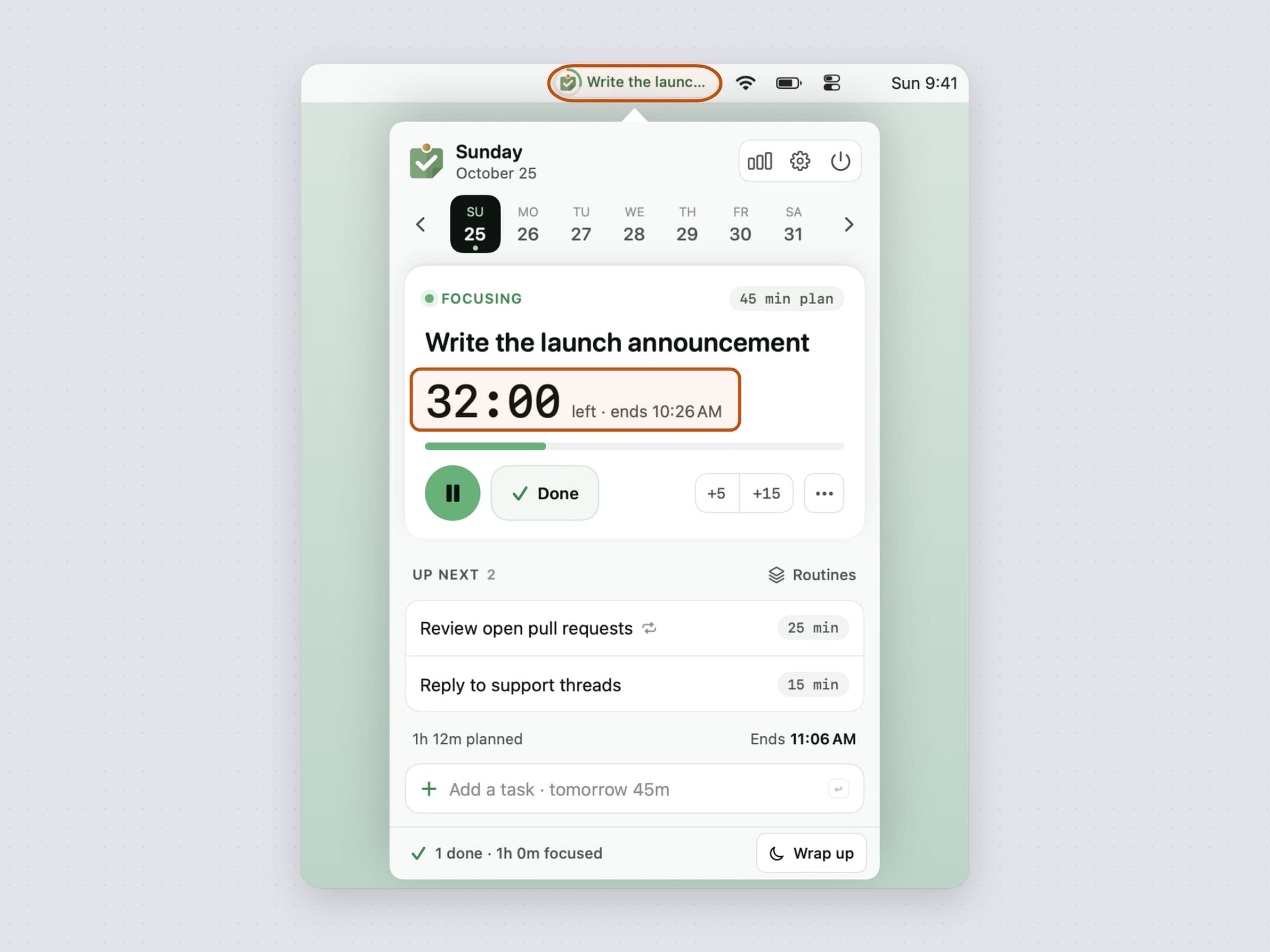
A day with meetings in it breaks in a different place: the afternoon looks free until three o'clock arrives, and a list never mentions that the report will not fit before it. Tideline lays the day out as a line from the menu bar. Tasks queue up in the free gaps between the meetings in your calendar, inside the working hours you set, with a buffer on every estimate because most of us guess short. The menu bar shows the task you are on and the minutes left, a heads-up card appears before a meeting and before the day ends, and unfinished work moves to tomorrow by itself, so nothing is ever overdue. It is also the one app here made with ADHD and time blindness in mind. The longer walkthrough is in how to plan your day on a Mac around your meetings.
The scale above one day is its own problem: twenty things where only three are actually startable, and working out which three is itself a task you have to be focused to do. Plexus wires prose or a pile of captured notes into a dependency graph on your Mac and highlights what is ready now; ticking one task unlocks whatever it was blocking. The app needs macOS 26 and the AI part needs Apple Intelligence; there is a manual mode for Macs without it, and nothing you type is sent anywhere. Ready then lists what is startable across every project at once, and Plan my day fits as much of it as your afternoon holds.
Starting, when starting is the problem
The task is large or vague, the afternoon evaporates in preparation, and no amount of wanting to start produces starting. A timer helps here for one mechanical reason: twenty-five minutes is a small enough commitment to accept when a whole afternoon is not.
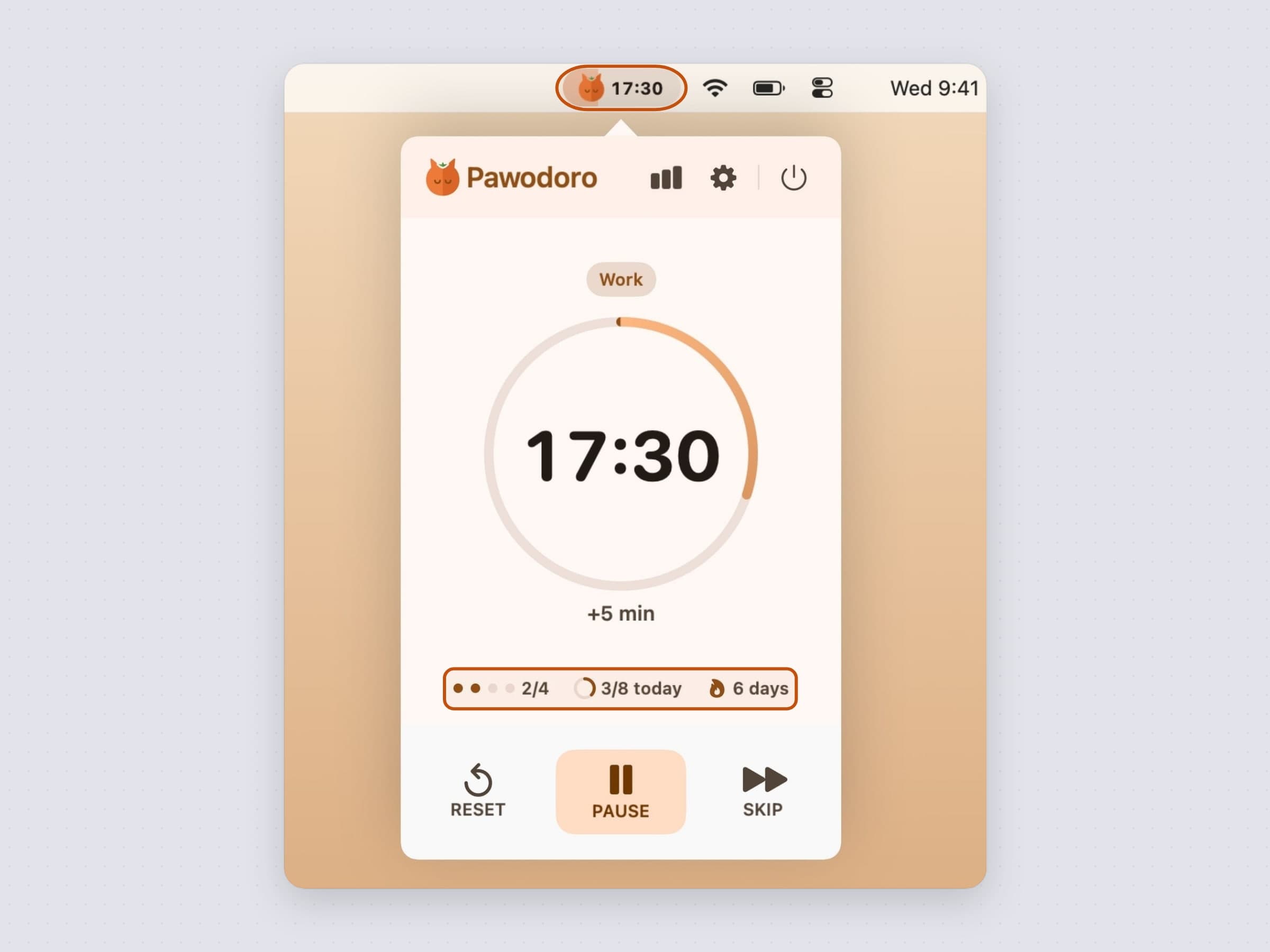
Pawodoro is a Pomodoro timer that fixes the part of the method that usually breaks, which is the break. When a work block ends, a full-screen cat video takes over every connected display, so the pause is hard to skip by accident and hard to turn back into more work. Presets run from 25/5 to 50/10, and the menu bar countdown sits on a pill that fills with the phase's colour, so how much of the block is left shows without opening anything. The technique is covered in a menu bar Pomodoro timer for Mac.
The reflex that costs an hour
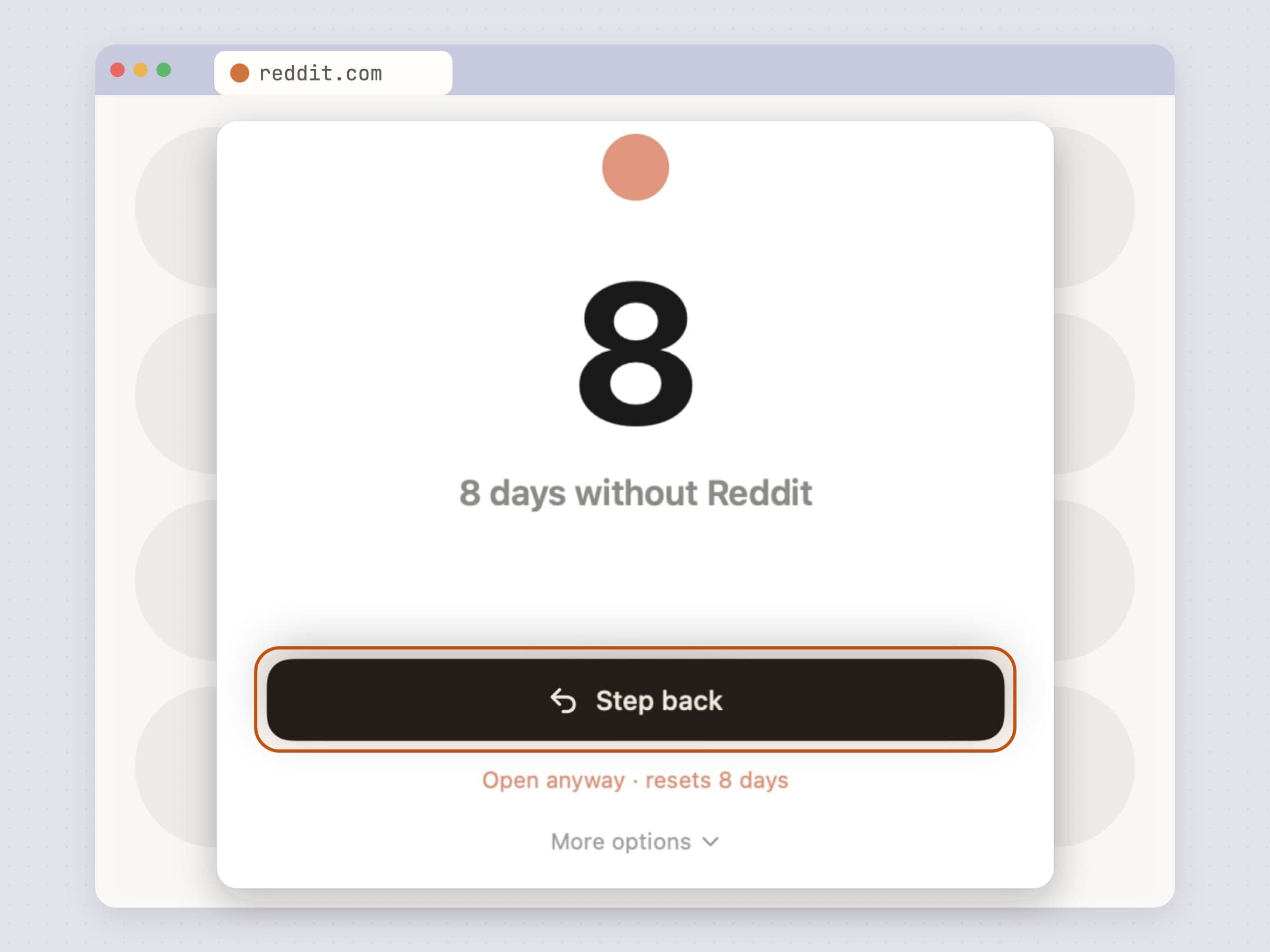
Twenty minutes into the work you are reading about something else, with no memory of having decided to. A timer will not catch this, because you were not looking at it. The option has to be in the way.
NoMore watches which app is frontmost and which tab your browser has open, and steps in front of anything on your list. Everything is evaluated on your own Mac and no URL is sent anywhere. And it is bypassable on purpose: the panel puts "step back" first and "open anyway" underneath as a small link, with the streak you are about to end written on it. A blocker that traps you gets uninstalled on the first bad day, and then it protects nothing. The job is turning a reflex into a decision, covered in full in how to block websites on a Mac.
Stopping, since the clock in your head is not running
Focus is not always the problem. It is seven in the evening, you have not stood up since lunch, and the work absorbed the part of you that keeps track of time. This wants an interruption whose schedule has nothing to do with your work.
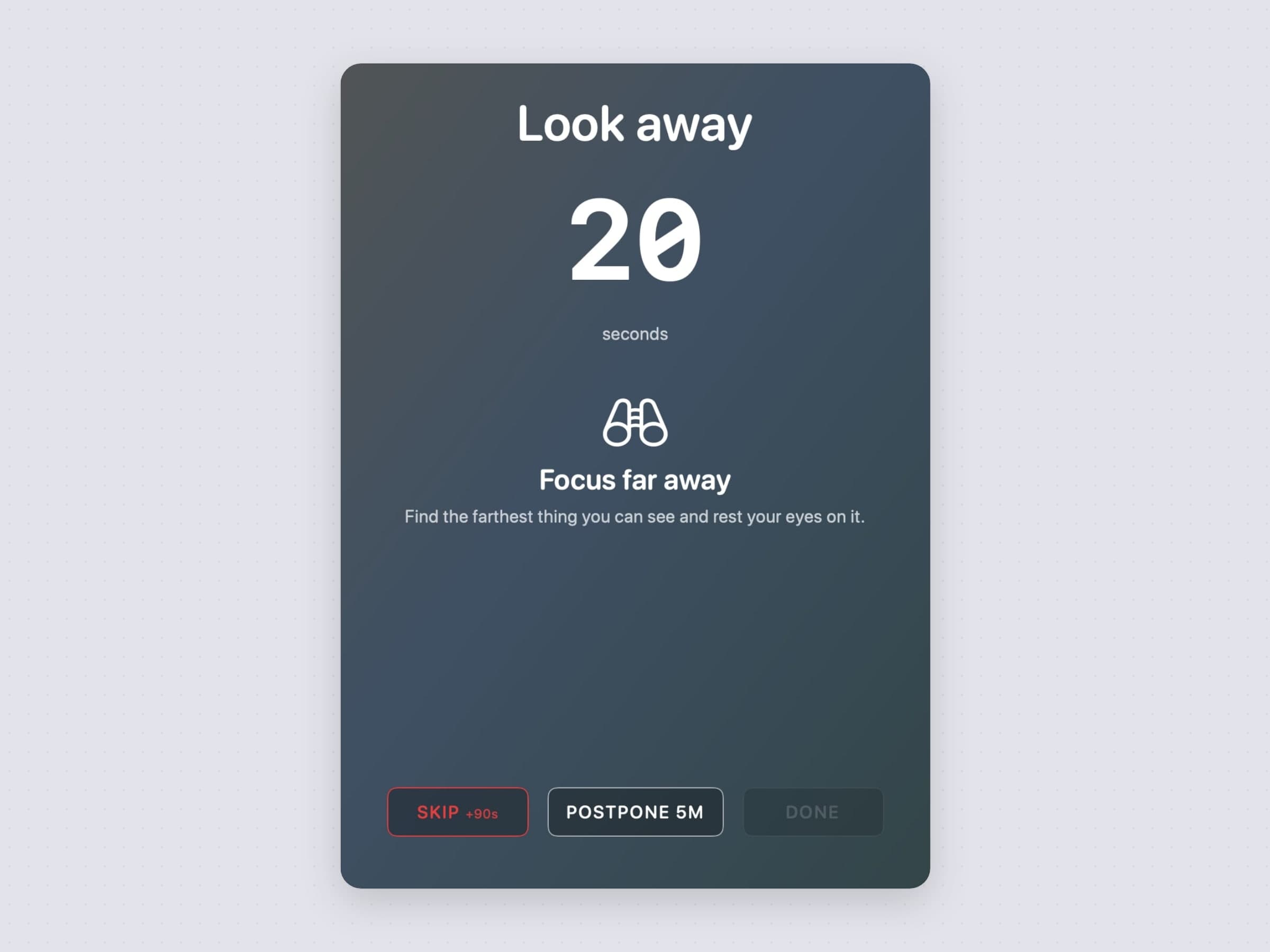
Recess runs eye breaks and body breaks on two separate cadences, because eyes want short and frequent while a body wants longer and occasional, and one clock for both means one of them is always wrong. It holds breaks during Focus and Do Not Disturb, and time away from the desk counts as the break rather than waiting for you to come back to it. The eye-break half of it is in the 20-20-20 rule on a Mac.
Where the alternatives win, and what none of these do
Four neighbors deserve naming. Freedom blocks across every device you own at once and syncs the list through its service, which a Mac-only app cannot do, and that matters when the phone is the real problem. Cold Turkey sells much harder locks, up to freezing you out of the machine entirely, which is the opposite bet from the one NoMore makes; where each of those wins is laid out in the best focus apps for Mac. Tiimo and Llama Life were designed for this audience rather than adapted to it, with visual time and structured routines built in from the start, and they are hosted services you subscribe to rather than native apps you buy once.
Tideline was made with ADHD in mind and is still a day planner, not a treatment. The other five were not built for ADHD, and claiming otherwise would be a statement about design intent that nobody here can make. They are ordinary timers, blockers and task tools, listed because they remove costs people with ADHD describe over and over. None of the six is a medical device, none is a treatment or a diagnosis, none writes to Apple Health, and none is a substitute for talking to someone qualified. They also do not sync, share, assign or report: no team view, no integration with a project tool, no dashboard scoring your week, no account, and nothing billed monthly. If the day is genuinely unmanageable, software is not the first thing to reach for.
Side by side
| The moment it covers | Price | Needs | |
|---|---|---|---|
| Anchored | Choosing once, instead of every hour | $3.99 one-time | macOS 14 |
| Tideline | Seeing what still fits in a day of meetings | $4.99 one-time | macOS 14 |
| Plexus | Knowing which of twenty things is startable | $4.99 one-time | macOS 26 |
| Pawodoro | Starting, and actually taking the break | $3.99 one-time | macOS 14 |
| NoMore | The reflex, turned into a decision | $4.99 one-time | macOS 14 |
| Recess | Getting up, on a clock that is not your work's | $2.99 one-time | macOS 14 |
Each one comes with a 30-day trial that needs neither a card nor an email address, and the license you buy afterwards is permanent. There is a shorter survey of the same ground in the best focus apps for Mac.
Prices and features checked on 4 November 2026.


