What the technique is actually for
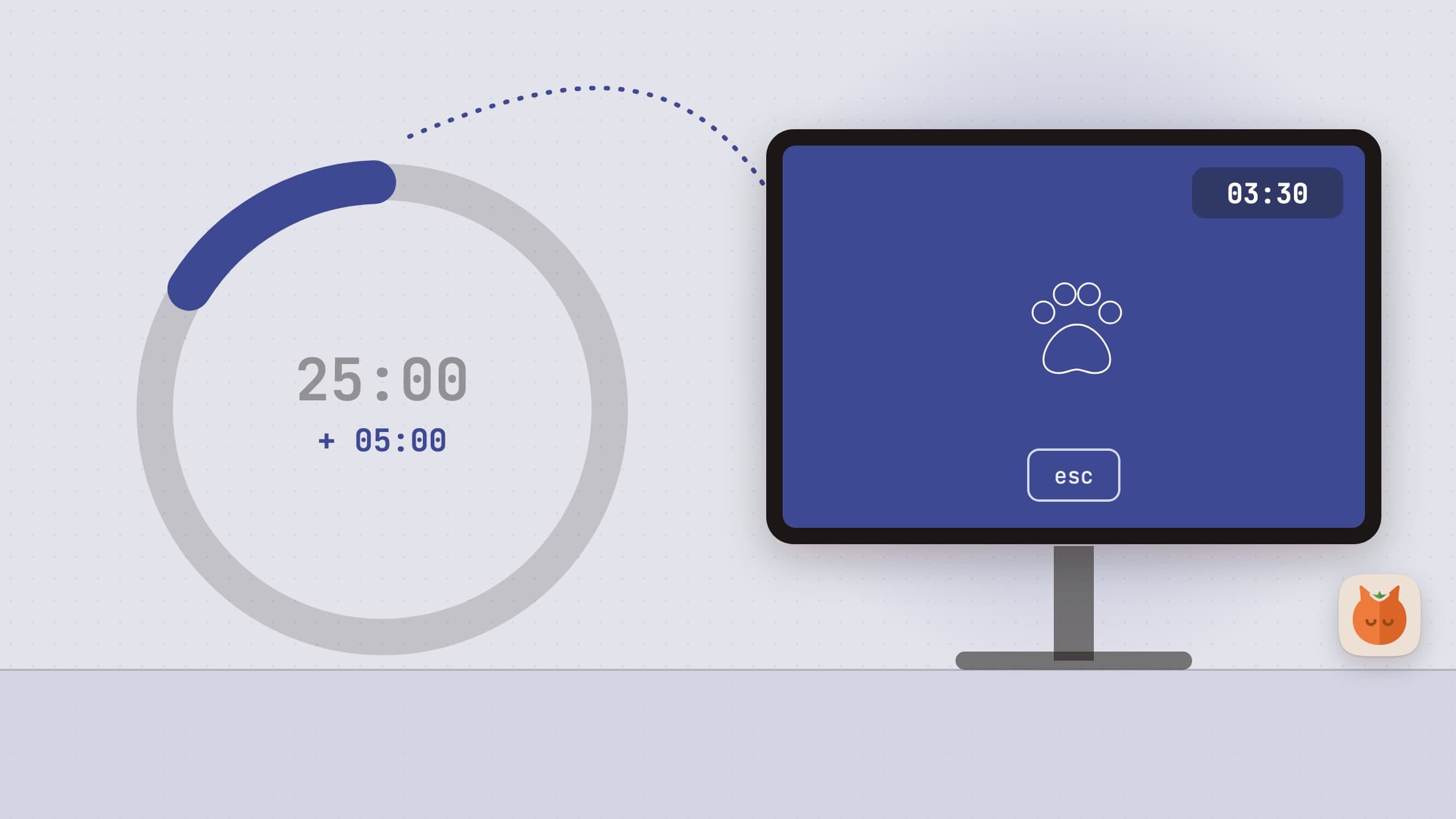
The Pomodoro technique is two decisions made in advance: when to start, and when to stop. You fix both once, then follow a clock instead of negotiating with yourself every few minutes. Twenty-five minutes of work and five of rest is the classic ratio, with a longer break after four rounds, but the exact numbers matter far less than the fact that neither boundary is up for debate while you are tired.
That is the whole mechanism. Any timer implements it. Which is why the useful question is not "which app has more features" but "which one will still be running in three weeks".
The four things that decide that
It has to start in one click. A tool you have to find, open and configure before you can work is a tool you will skip on the day you most need it. A menu-bar app with a preset is one click.
It must not ask for an account. A login screen between you and a countdown is absurd, and it is also a permanent dependency: a service outage or a forgotten password should not be able to stop you working.
It should work offline. Planes, trains, bad hotel Wi-Fi. A timer is the last thing that should need a network.
The break has to actually happen. This is where most Pomodoro apps quietly fail. The timer ends, a notification appears, you think "one more minute", and the rest never comes - or it turns into five minutes of scrolling, which rests nothing. A pause you can dismiss with a reflex is a pause you will dismiss.
Making the break unmissable
There are two workable answers to that last problem, and they suit different people.
The first is to take the screen. When the work block ends, something covers every display, so the break cannot be half-taken while you keep typing. It has to be escapable - one key, no penalty - or it becomes the kind of software people uninstall. But the default has to be that the break happens.
The second is to make the break something you want. This sounds soft and it is the more durable of the two: a timer you look forward to is a timer you keep using, and adherence beats strictness over a month.
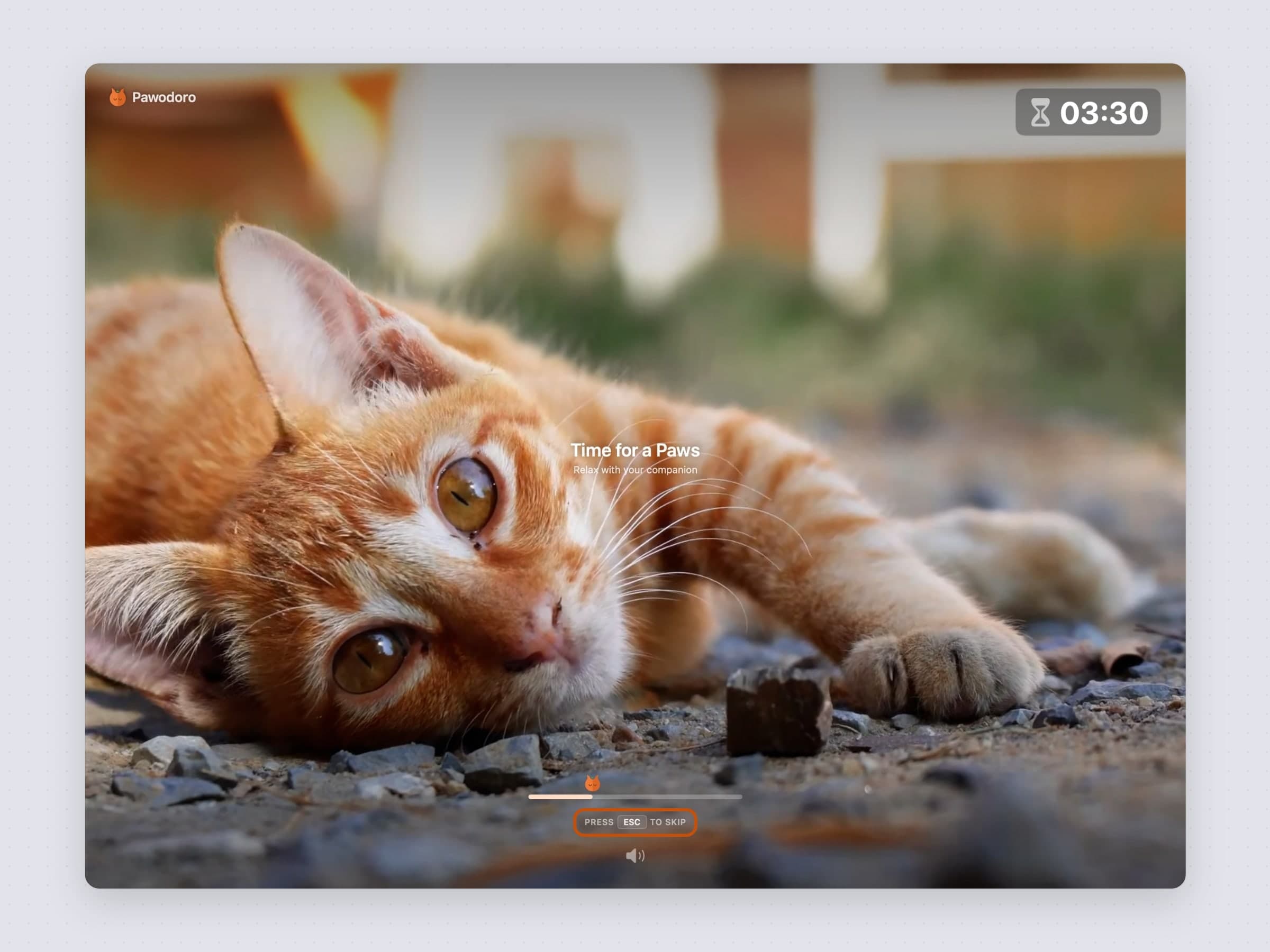
Pawodoro does both at once. When the work block ends, a full-screen cat video plays on every connected display, from a curated library you sync once - or from your own clips. It is a hard stop and a reward in the same gesture. ESC skips it.
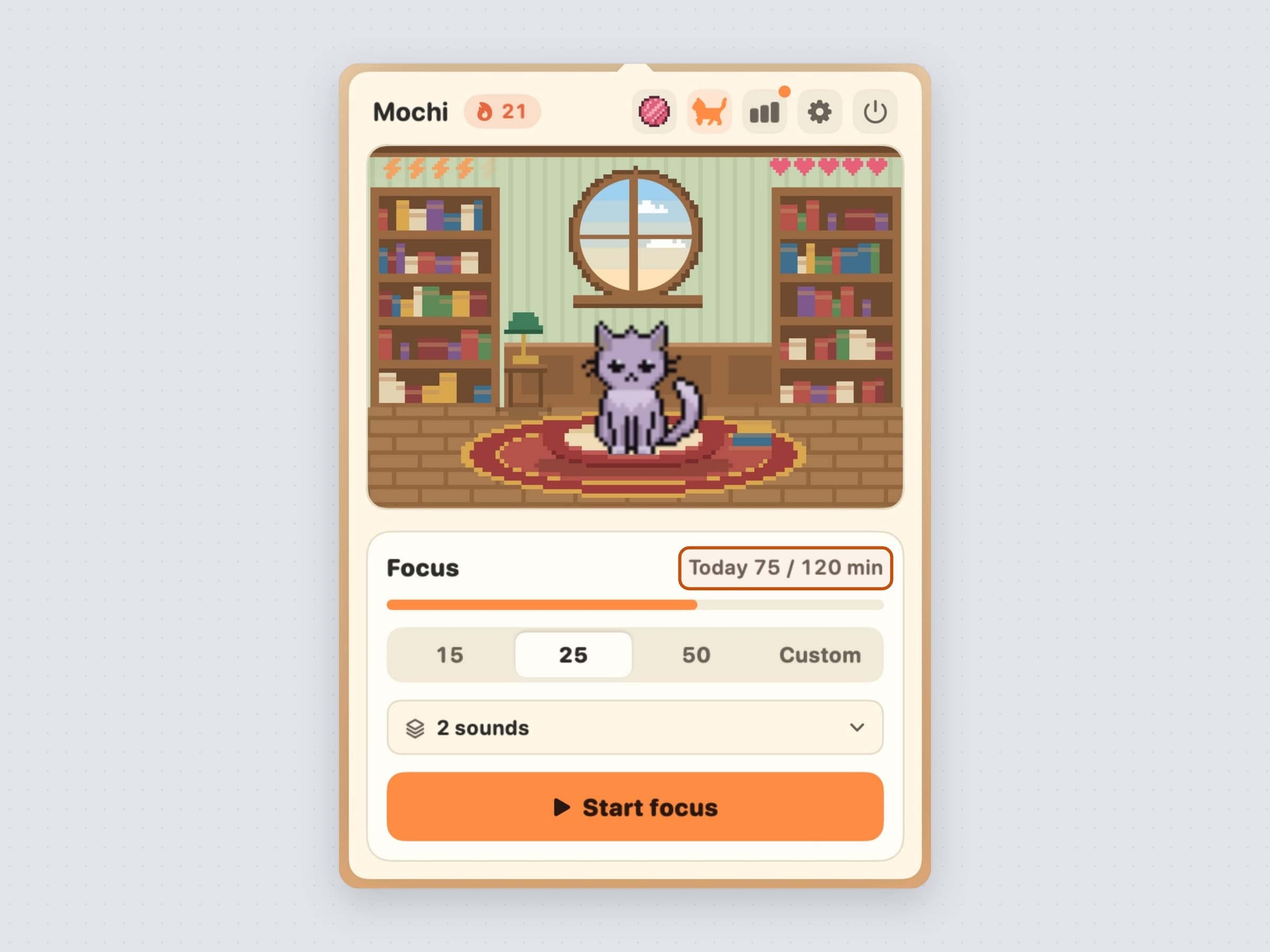
CatPod takes the gentler route. A pixel cat lives on your desktop, and completing a focus session feeds it. There is no screen takeover - when the break starts, the cat walks out, stretches and tells you to stand up. If strict tools make you want to quit, this is the one that survives contact with a real week.
What a Pomodoro timer does not solve
If you start sessions fine and then find yourself twenty minutes deep in something else, a timer will not help, because you were not watching it. That is a blocking problem, and the tool for it is a distraction blocker that steps in front of the site or app when you open it.
And if you focus perfectly, look up at seven in the evening and your eyes hurt, you do not need a focus app at all. You need a break reminder running on its own clock, independent of whether you started a session.
More on picking between all three in focus apps for Mac.
Where the alternatives win
Neither of these is the only Pomodoro timer on the Mac, and four of the others are worth naming.
Session, at $4.99 a month or $39.99 a year, is what to buy if you want the practice rather than the clock. It blocks apps and sites while a session runs, asks you to write a line about what you did when it ends, syncs to an iPhone, and turns a few weeks of that into analytics you can argue with.
Be Focused Pro is $19.99 once on the Mac App Store, pairs the timer with a task list and reports, and syncs with an iPhone only through the separately sold iOS Pro app.
TomatoBar is free and open source, lives in the menu bar, logs every session as JSON and runs fully sandboxed with no entitlements. If a countdown is all you want, install it before paying anyone, us included.
Focus To-Do is the pick when the timer and the task manager should be the same app, on more platforms than the Mac.
What none of them does is take the screen when the break starts, which is the one decision this page is really about. The fuller comparison is in Session alternatives for Mac.
Side by side
Both are native macOS apps with no account and no subscription. The difference is what happens at the end of a block.
| Pawodoro | CatPod | |
|---|---|---|
| Price | $3.99 one-time | $3.99 one-time |
| Free trial | 30 days, no card | 30 days, no card |
| Presets | 25/5, 45/15, 50/10 | 15, 25, 50 minutes |
| Custom length | Work, break and long break | 5 to 120 minutes, plus short and long break |
| What the break does | Full-screen cat video on every display | The cat walks out and stretches with a reminder; no screen takeover |
| Lives in | Menu bar | Desktop, plus the menu bar |
| Stats | Today to all time, daily goal, current and best streak, sixteen-week heatmap, CSV export | 7/30-day chart, 16-week heatmap, daily goal, streaks with milestones |
| Installed size | ~20 MB | ~20 MB |
| Works offline | Yes, once a clip is cached | Yes |
Prices and features checked on 25 October 2026.


