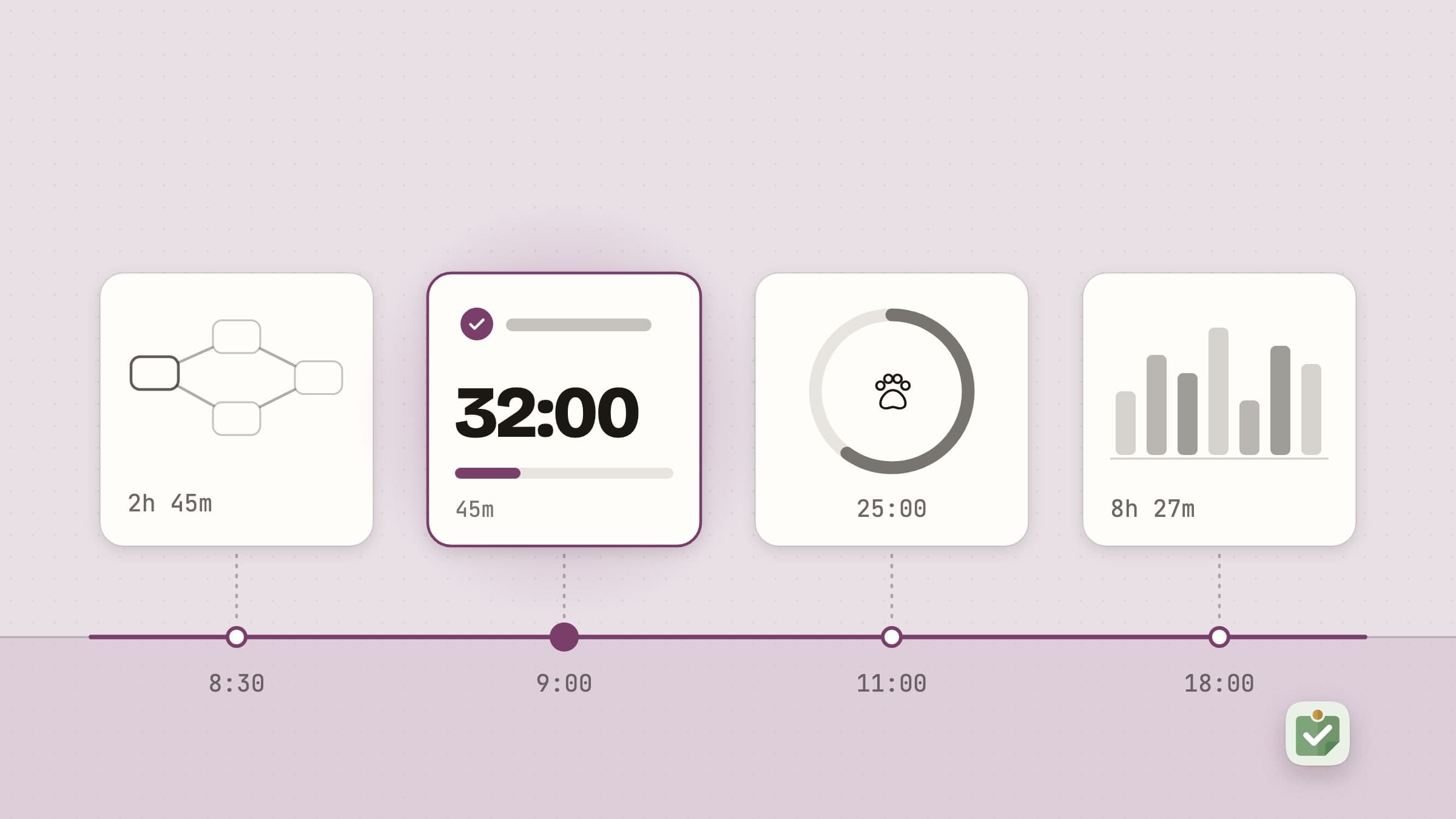
The problem these solve
Most productivity software assumes the hard part is remembering what to do. For most people it is not. The list already exists - in a task manager, a notebook, a Slack thread, a manager's head. The hard part is that the list keeps offering itself for reconsideration, and every reconsideration costs a few minutes plus the attention needed to get back in.
Two of the apps here attack that exact moment - the one where you look up, having finished something, and have to decide again. The other three cover what happens before and after it: turning a plan that exists as prose into tasks, fitting those tasks around the meetings already in your calendar, and knowing where the time actually went.
Holding the day's decision
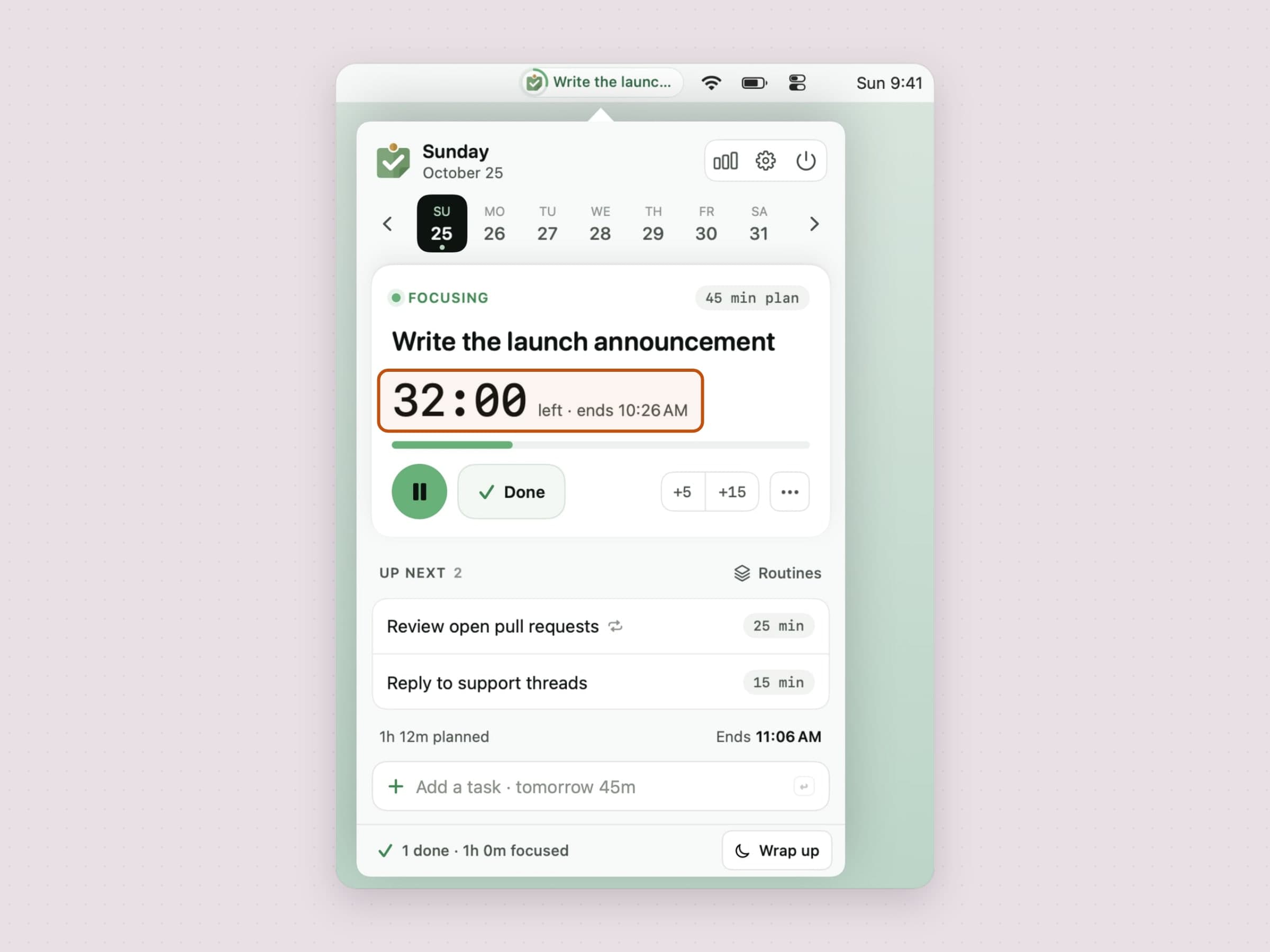
Anchored is for people who work from a plan. You pick one anchor task for the day, give it a duration like "45m", and it sits in the menu bar with a ring that fills as it runs while the rest of the queue waits behind it. When the timer ends you get a notification with a one-tap Done or a few more minutes. It is keyboard-first, with a quick-add box and rebindable hotkeys, and it can roll unfinished work to tomorrow instead of letting it rot at the bottom of a list. There is a feature-by-feature tour in a menu bar task timer for Mac.
CatPod is for people who work better with a nudge that is not a nag. It puts a pixel cat on your desktop with a pomodoro timer attached. The cat wanders around, reacts to your cursor, and marks the end of a session. It sounds frivolous and it is - deliberately. A timer you enjoy looking at is a timer you keep using, and the sessions are the same 15/25/50 minute blocks you would set anywhere else.

If you want a plan enforced, take Anchored. If you want the day paced without being managed, take CatPod. They do not conflict, and some people run both.
Turning a plan written in prose into tasks
The day can also fail before it starts, in the gap between a plan that exists as a paragraph - a brief, a meeting note - and a task list you can work from. Plexus closes that gap with a model that runs on your own Mac: paste the prose and it hands back the tasks already extracted and wired in the order the text implies, with the ones nothing blocks marked out. It is the only one of the five with a hard requirement - macOS 26, because the model behind it is Apple Intelligence, which also has to be available for the AI half to run. The full tour is in turning notes into tasks on a Mac.
Fitting the day around its meetings
A plan can also break against the calendar: the list holds six things, the afternoon holds three meetings, and nobody has done the arithmetic. Tideline does it from the menu bar. You keep today's tasks in order, each with a length, and they queue up in the free gaps between the meetings in your calendar, inside your working hours, with a buffer on every estimate because most of us guess short. You type tasks the way you say them, several on one line ("mail 15, report 45"), Control-Option-T adds one from any app, and the menu bar shows the task you are on and the minutes left. Whatever does not get done moves to tomorrow by itself, so nothing is ever overdue. The full tour is in how to plan your day on a Mac around your meetings.
Knowing where the time actually went
The other half of productivity is an honest ledger. Tally sits in the menu bar and measures which apps and sites the day went to, subtracting idle time, sleep and the lock screen, so the number you read is time you were actually there. Views from a day to a year give the shape, categories you fix with one click give it names, focus labels you set yourself say how much of it was focus, and nothing leaves your Mac. The full tour is in an app usage tracker for Mac.
What none of them does
None of them syncs, shares, assigns or reports to anyone else. There is no team view and no integration with a project tool - and even Tally, the one that measures, counts hours rather than grading you on them. If you need any of that, these are the wrong tools and a hosted service is the right one.
What you get instead are apps that open in under a second, work on a plane, and do not have an opinion about your workflow beyond "decide once, then look at the decision."
Where the alternatives win
The apps above are deliberately small, and the big ones are big for reasons.
Things 3, $49.99 once on the Mac, is the nicest task manager on the platform and the right answer for anyone who wants one list to hold everything. It syncs, it has a Today view that knows your calendar, and it is a pleasure to open.
OmniFocus costs $74.99 once for Standard, $149.99 for Pro or $99.99 a year, and it is the only mainstream Mac app that models order: sequential projects and defer dates keep work hidden until it can actually start.
Todoist and TickTick win the moment another person is involved, or an Android phone is. Shared projects, comments and assignees are not something a local menu bar app is going to grow.
Reminders is free, already installed, and enough for more people than admit it. Try it for a week before spending anything.
RescueTime and Timing measure a day in far more depth than Tally does, with automatic categorization and, in Timing's case, real project and billing reporting.
What none of them answers is which of thirty available things can be started today, which is the gap OmniFocus alternatives for Mac is about.
Side by side
| The job | Price | Needs | |
|---|---|---|---|
| Plexus | A prose plan becomes a wired task graph | $4.99 one-time | macOS 26 |
| Tideline | Today's tasks laid out between the meetings | $4.99 one-time | macOS 14 |
| Anchored | One task and its countdown, held all day | $3.99 one-time | macOS 14 |
| CatPod | The day paced by a pet, not a manager | $3.99 one-time | macOS 14 |
| Tally | An honest count of where the day went | $4.99 one-time | macOS 14 |
All five are native and keep their data on the Mac. Each one comes with a 30-day trial that needs no card and no email, and the license you buy afterwards is permanent.
Prices and features checked on 4 November 2026.


