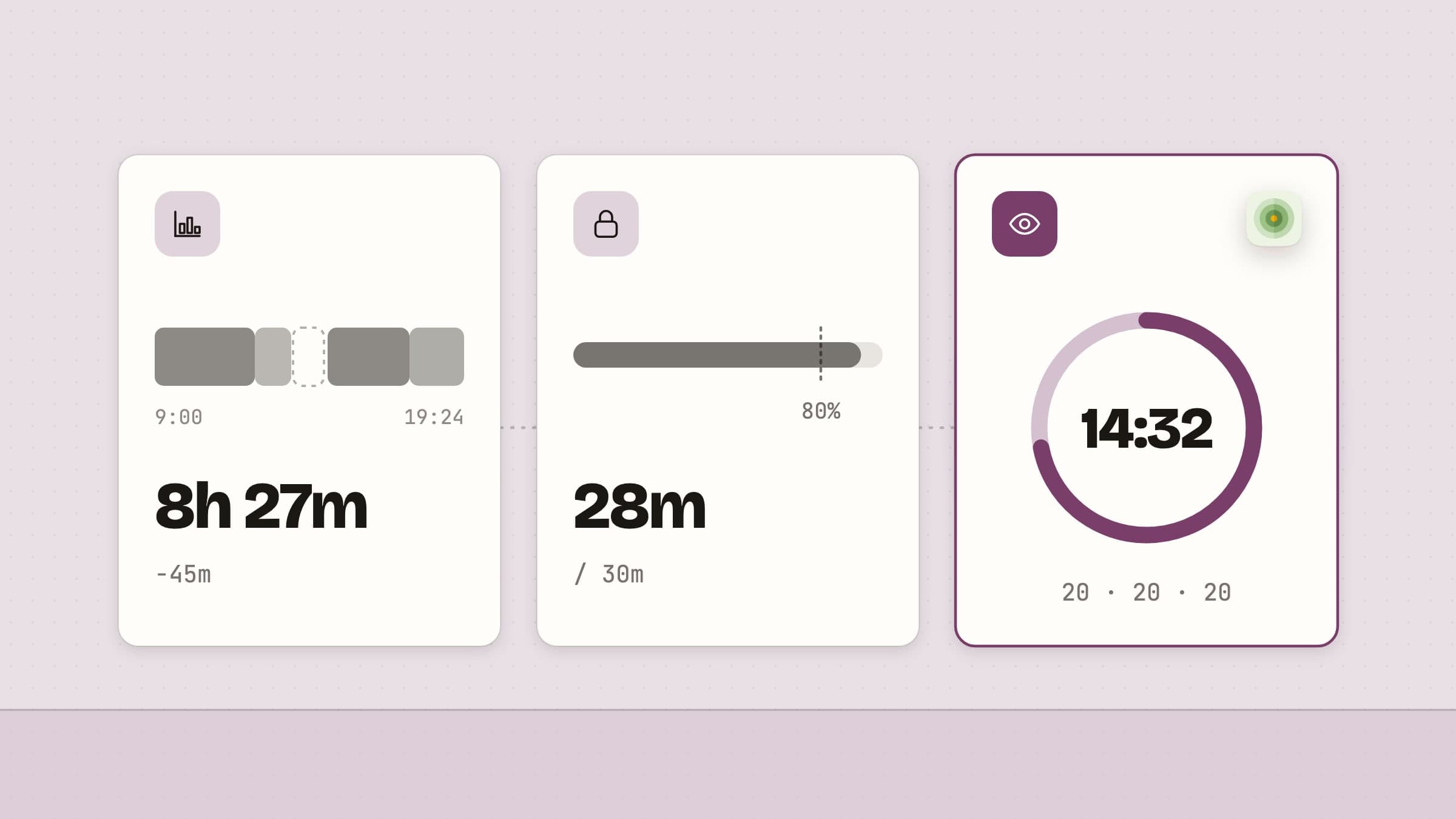
What Screen Time on a Mac actually reports
Screen Time is already on your Mac, it is free, and it is the right first stop. Under System Settings it gives you per-app totals by day and week, counts notifications and pickups, and carries Downtime and App Limits. It also syncs across the Apple devices on the same account, which no third-party Mac app can do.
Three limits are worth knowing before you rely on it. There is no hour-by-hour timeline, so you get a total without a shape. Website activity is read from Safari only, which means a day in Chrome or Arc arrives as one line saying the browser was open for five hours. And Apple ships no Screen Time API for third-party apps on macOS - the frameworks behind it on iOS never crossed over - so nothing can read those numbers and present them better. Anything with more detail has to measure the day itself.
Three jobs wearing one name
"Screen time" is not one problem, and the three versions of it want different software.
You do not know where the hours went. Nothing is wrong yet; you just cannot answer the question. This wants measurement, and the only thing that matters is whether you can trust the number when it disagrees with you.
You know exactly where they went and keep going back anyway. Measurement adds nothing here. This wants something in the way at the moment you open the thing.
The total is fine and the shape is not. Six unbroken hours and six hours with a break every twenty minutes produce the same number and a very different evening. This wants an interruption, and it has nothing to do with productivity.
Measuring, in a way you can argue with
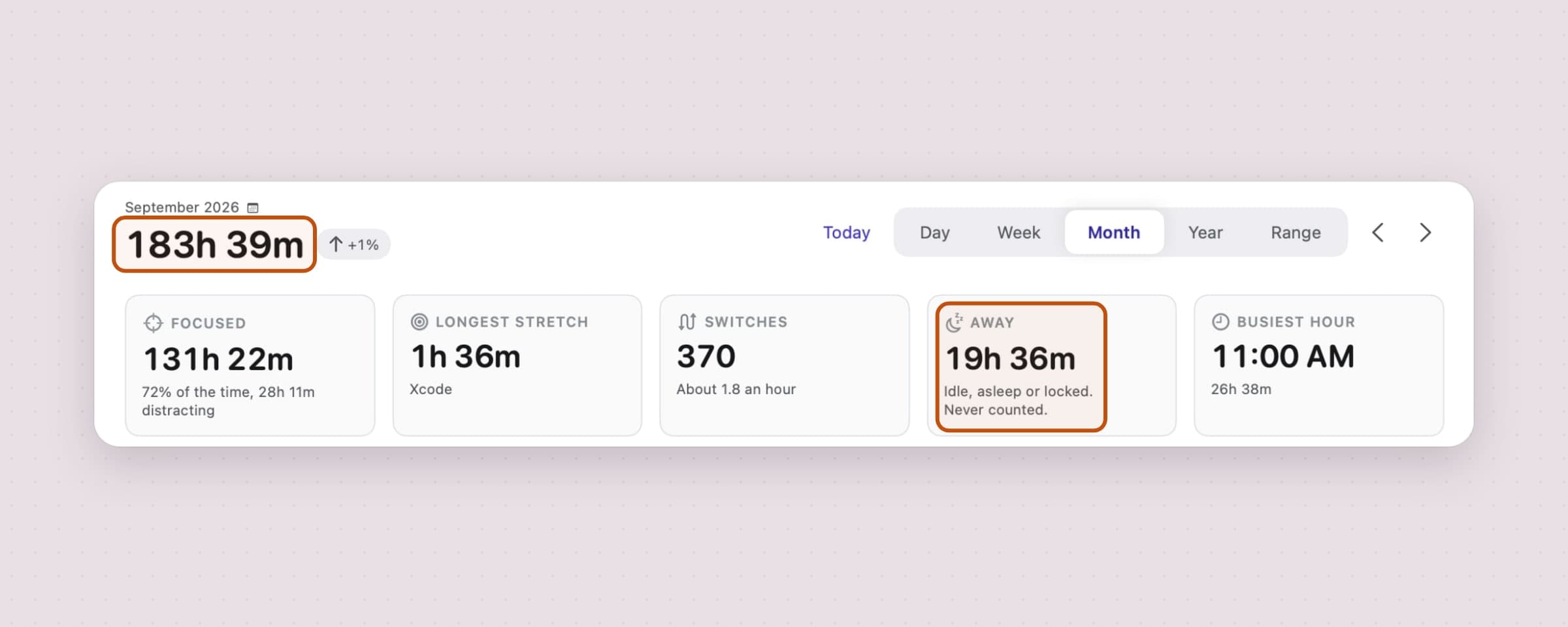
Tally measures the day from what macOS does expose: which app is frontmost, whether anyone is at the keyboard, and when the machine slept or locked. Most of the work is in what it refuses to count. Idle time is subtracted back to your last keystroke rather than from the moment it noticed, sleep and the lock screen end a segment, and time away never lands in a total. A tracker loses you the first time it counts the hour you spent at lunch.
It is also useful before you grant it anything. With no permissions at all you get accurate per-app totals; Accessibility adds the focused window's title, so "Xcode, three hours" becomes the project, and Automation lets it ask the browser which site is open, so browser time lands on the sites it belongs to. The full mechanism is in an app usage tracker for Mac.

One screen up is where a number becomes a trend. A day is weather, and a bad Tuesday means nothing; a month is the smallest frame where "up 59 percent" is worth reading. The away card on that screen is the one that makes the total believable, because it names the hours that were deliberately not counted.
Limiting, as friction rather than a budget
App Limits work, and they can be extended in one click, which is the design rather than a flaw. If your problem is a budget you overspend, a budget is the right shape. If your problem is that the tab was open before you decided to open it, minutes are the wrong unit entirely.
Tally has the budget shape too, minus the enforcement: a daily ceiling on a site, an app, a category or the whole day, which says something once when it fills and never closes or hides anything. That is the right tool while knowing is still enough, and the wrong one the moment it stops being.
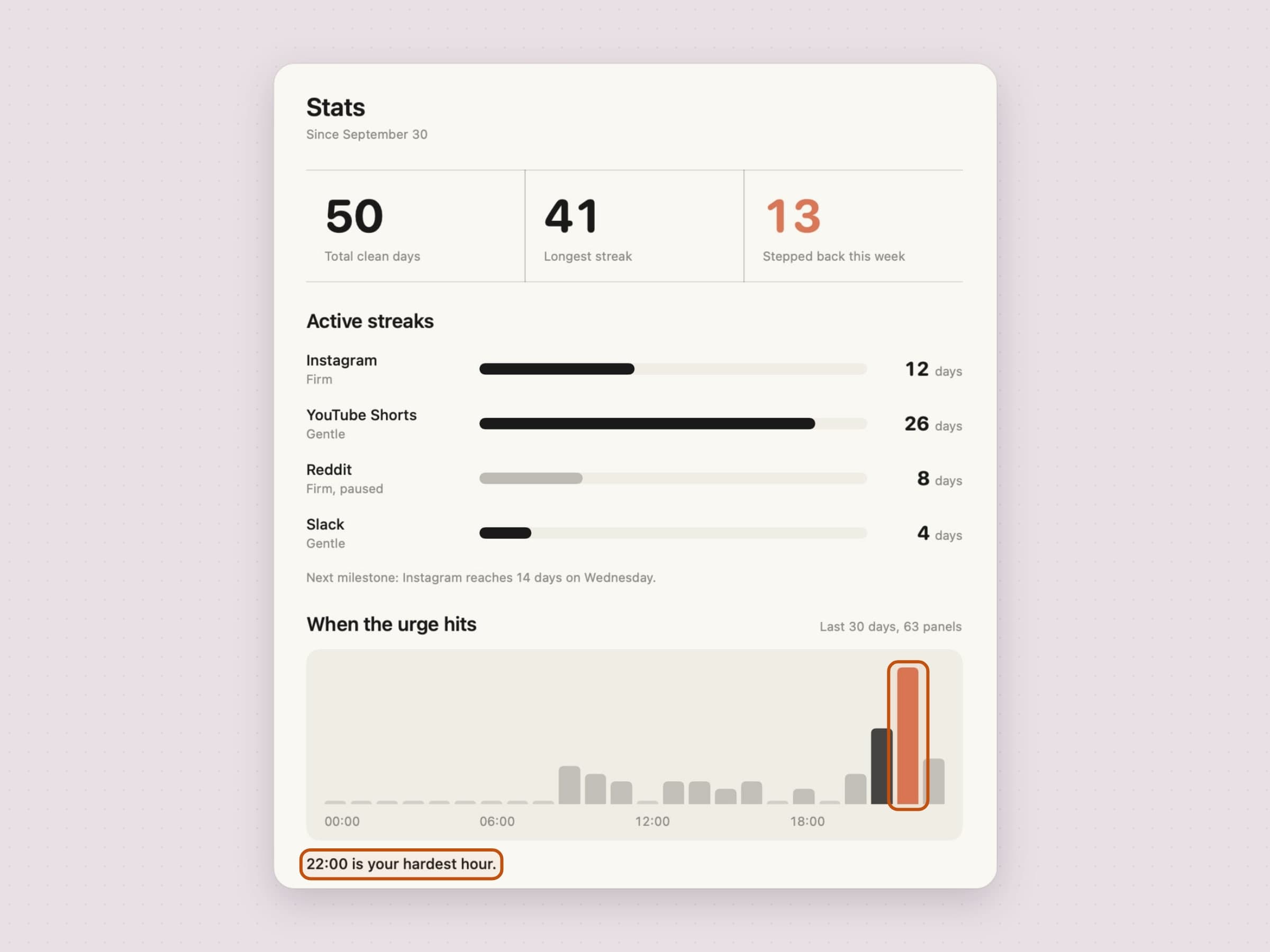
NoMore takes the other approach: it watches the frontmost app and the current browser tab and steps in front of anything on your list, at the moment you open it. The URL is checked on your own Mac and is never sent anywhere. Bypassing is deliberately possible and deliberately counted - "step back" is the primary button, "open anyway" is a small link underneath with the streak you are about to end written on it. There is a full walkthrough in how to block websites on a Mac.
The other screen time: hours that were never broken
The health version of this number is not the total, it is how much of it was continuous. Recess breaks the hours themselves, on two separate clocks: eyes want short and frequent, a body wants longer and occasional, and a single cadence for both is always wrong for one of them. It holds breaks during Focus and Do Not Disturb, counts time away from the keyboard as the break instead of saving it up, and covers every display when one does arrive. The eye-break half is in the 20-20-20 rule on a Mac, and the wider version of the subject is in desk health apps for Mac.

Where the alternatives win
Apple's own Screen Time wins on reach and price: it is free, it is already there, and it is the only thing here that counts your iPhone and iPad under the same account. If one figure across every Apple device is the requirement, nothing on this page replaces it.
RescueTime categorizes automatically, follows you between machines and mails you a weekly report, which is the right answer when the requirement is one number across several computers. Timing has far more depth on the project and billing side - rules, an editable timeline, exportable timesheets - and wins outright if you bill your hours. Both are hosted, which is the trade: the data has to live on a server for it to appear in a browser. ActivityWatch makes the same local-only bet these three do and is free, open source and cross-platform, at the cost of assembling it out of watchers and a local server.
The honest limit of the three here is that they measure this Mac. Your phone, your tablet and the other laptop are out of frame. It is also why two of them are direct downloads rather than Mac App Store apps and are not sandboxed: reading which app is frontmost and which tab is open is not something a sandboxed process can do at all. Recess is sandboxed and ships on both channels.
Side by side
All three run on macOS 14 or later, need no account and send nothing anywhere. Tally keeps only the domain rather than the full address, lets you set retention to 30, 90 or 365 days or forever, and deletes everything it has stored in one click.
| The job | Price | Size | |
|---|---|---|---|
| Tally | An honest count of where the day went | $4.99 one-time | ~11 MB |
| NoMore | Standing in front of what you open by reflex | $4.99 one-time | ~25 MB |
| Recess | Breaking the hours themselves | $2.99 one-time | ~30 MB |
All three come with a 30-day trial that needs neither a card nor an email address, and the license you buy afterwards is permanent. If the number you get back is a reason rather than a surprise, the same tools are cut by which moment they act on in the best Mac apps for ADHD.
Prices and features checked on 6 September 2026.


