What a focus app actually does
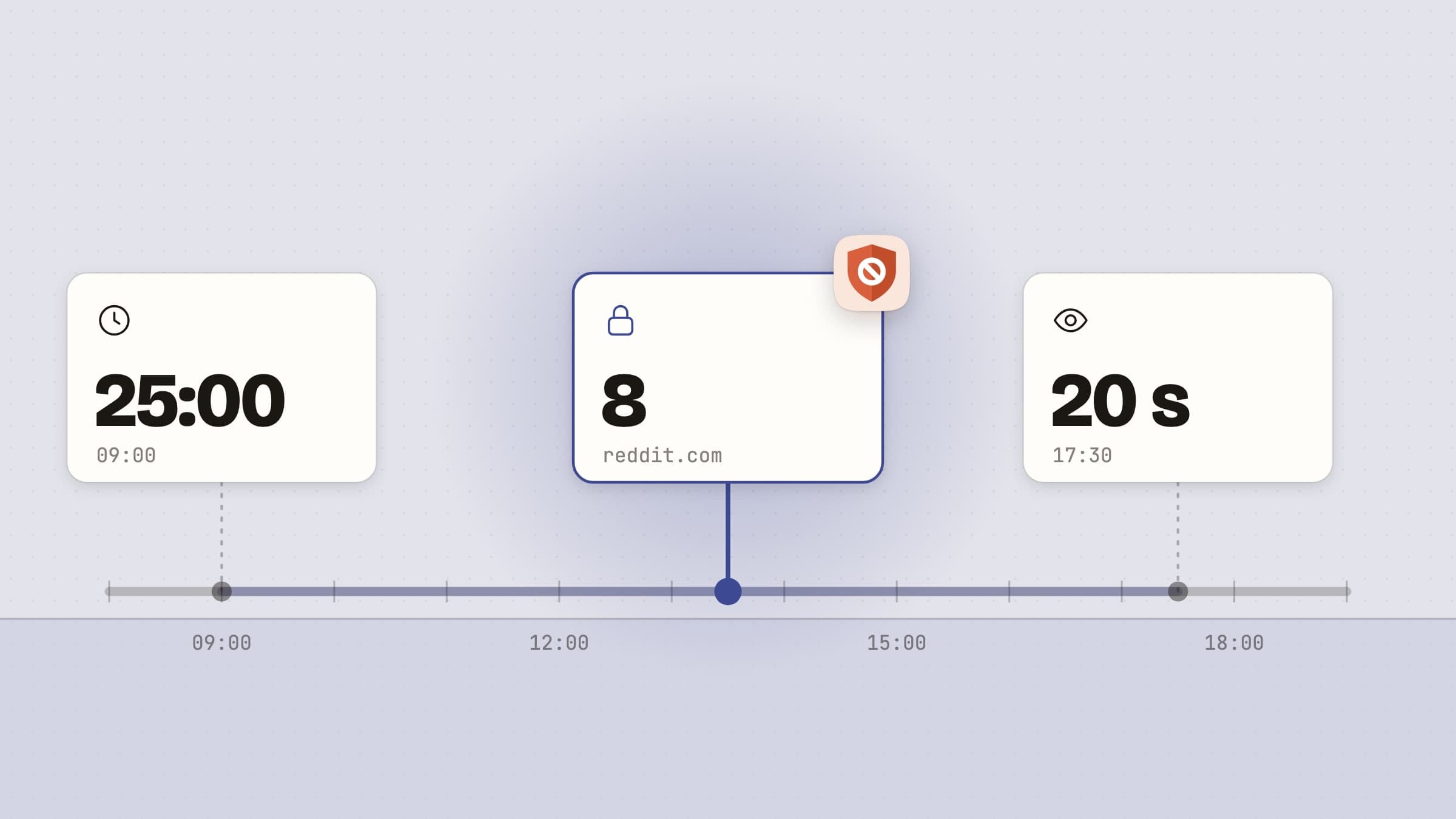
A focus app does not create focus. What it does is move two decisions out of the moment where you are least able to make them well: when to start, and when to stop. You set both in advance, once, and then follow the timer instead of negotiating with yourself every few minutes.
That is the whole mechanism, and it is why the method survives despite the software around it changing every few years.
Three problems, one name
"I can't focus" describes at least three different failures, and they want different software. Matching them wrongly is the single most common reason a focus app is installed enthusiastically and deleted a week later.
You cannot start. The task is large, or vague, or you are tired, and the afternoon evaporates in preparation. A timer solves this, because twenty-five minutes is a small enough commitment to accept when a whole afternoon is not.
You start, then drift. Twenty minutes in you are reading about something else, with no memory of deciding to. A timer will not catch this, because you were not looking at it. The option has to be removed.
You never stop. Focus is not the problem. It is seven in the evening, you have not stood up since lunch, and your eyes ache. You do not need a focus app; you need something interrupting you on a schedule that has nothing to do with your work.
There is a fourth, quieter one: you focus well but on the wrong thing, because the decision about what matters today keeps getting re-made. That is a prioritization problem, and it is fixed by keeping the decision visible rather than by any timer.
What to install for each
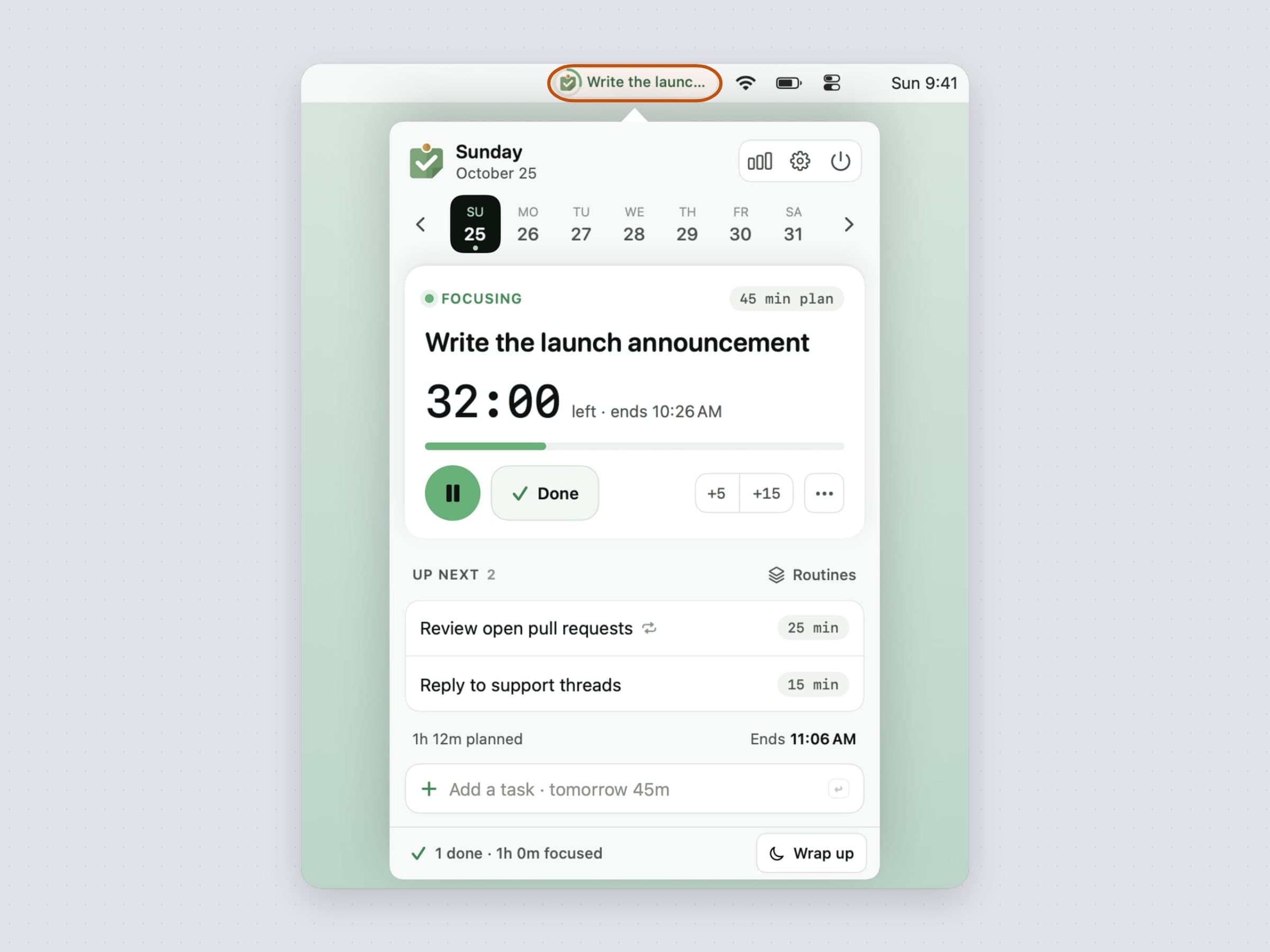
For choosing, Anchored keeps one anchor task and its timer in the menu bar. The point is not that it stores tasks - your list already lives somewhere - but that today's commitment stays in peripheral vision so it does not get quietly renegotiated at three in the afternoon. There is a full walkthrough of how that works in a menu bar task timer for Mac.
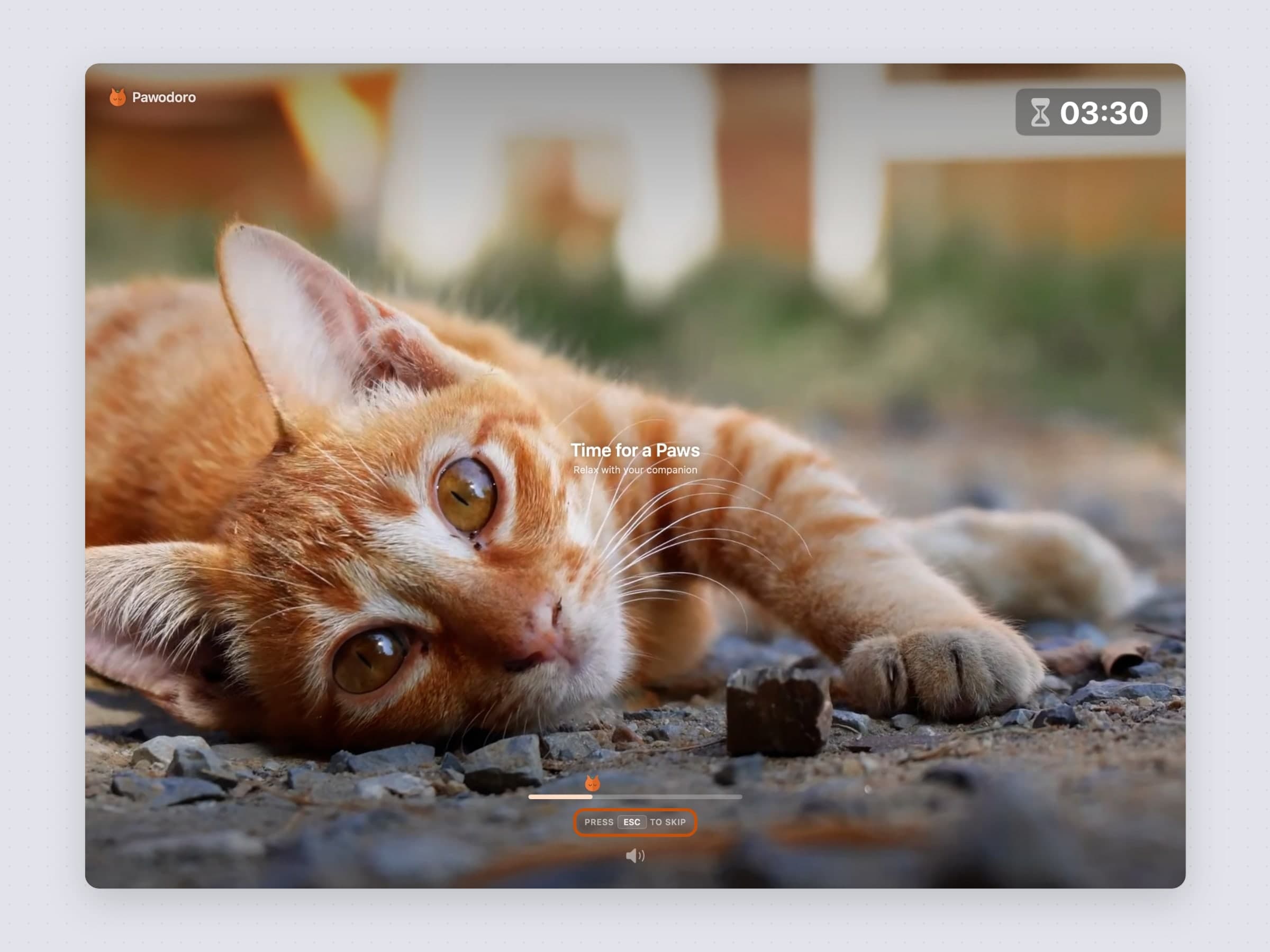
For starting, Pawodoro is a Pomodoro timer that solves the part of the method that usually breaks: the break. When a work block ends, a full-screen cat video takes over every display, so the pause is hard to skip by accident. More on the technique in the best Pomodoro timer for Mac.
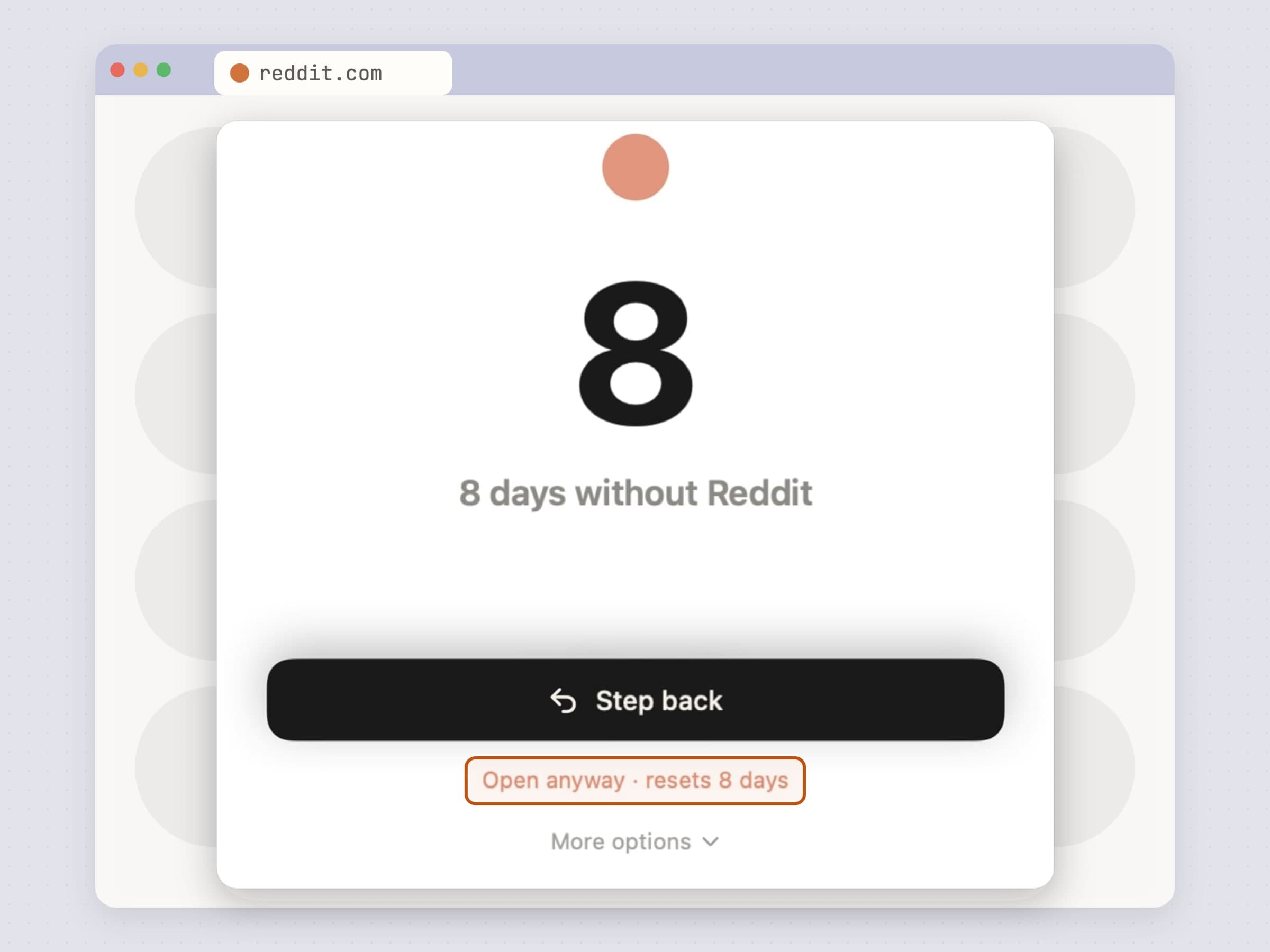
For drifting, NoMore watches the frontmost app and the current browser tab and steps in front of anything on your block list. Two things are worth knowing: everything is checked on your own Mac and no URL is sent anywhere, and it is bypassable on purpose. The job is converting a reflex into a decision, not building a cage.
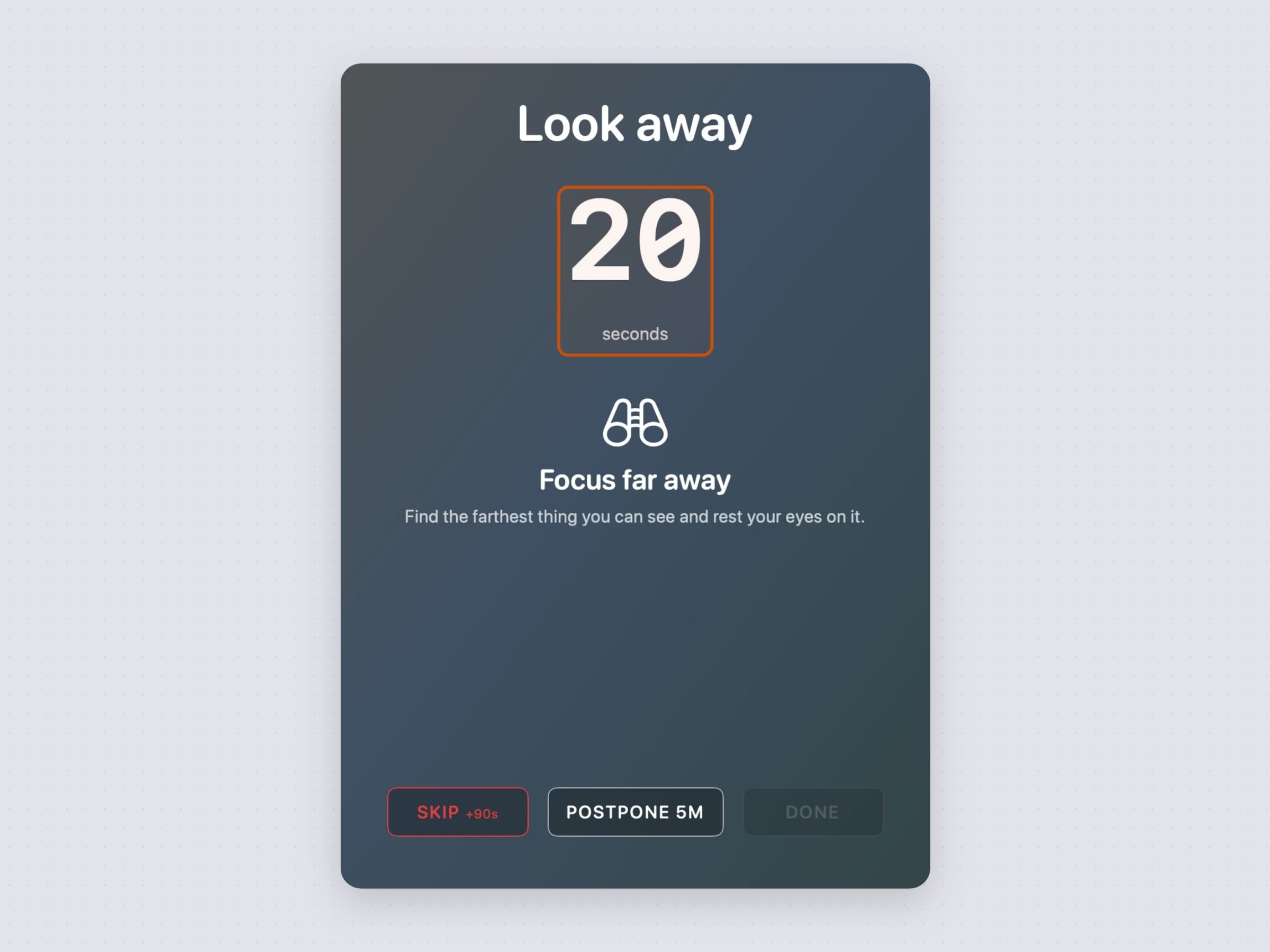
For stopping, Recess runs eye-rest and stretch breaks on two separate cadences, holds them during Focus and Do Not Disturb, and counts time away from the desk as the break rather than saving it for your return. Eyes want frequent and short; a body wants occasional and longer. One clock for both means one of them is always wrong.
What none of them do
None of these sync, share, assign or report. There is no team view, no integration with a project tool, and no dashboard scoring your week. If you want any of that, these are the wrong tools and a hosted service is the right one.
They also do not need accounts, do not phone anything home with your content, and do not charge monthly. A local timer has no server behind it, so there is nothing recurring to pay for.
Start with the free settings you already have
Before installing anything: set up macOS Focus, turn off the notification badges you never act on, and quit the chat app while you work. That costs nothing and removes a surprising share of the problem. The apps above are for what remains once the obvious noise is gone.
Where the alternatives win
The well-known names in the category are worth locating.
Freedom, at $8.99 a month, $3.33 a month billed annually or $99.50 once, blocks across every device you own and syncs one session through its service. It wins outright when your phone and your Mac need the same wall, which is the one thing a local Mac app cannot do.
Cold Turkey Blocker sells much harder locks: a free tier that blocks websites on a timer, and Pro at $45 once, up to a mode that freezes you out of the machine entirely. It wins when you want a door that will not reopen.
SelfControl is free and open source and does the same thing more bluntly: a blocklist and a timer that nothing undoes, not even deleting the app.
Session, $4.99 a month, is the deepest of the timers, with blocking, reflection prompts and analytics in one place.
The four here make the opposite bet: local, bought once, and built on friction rather than force, because the lock you can live with is the one still installed next month. Both fields are laid out in Freedom alternatives for Mac and Session alternatives for Mac.
The practical requirements
Whichever focus app you pick, a few things matter more than the feature list. It should launch instantly, because a tool you wait for is a tool you skip. It should not require an account, because a login screen between you and a timer is absurd. It should work offline. And it should be quiet - a focus app that notifies you about itself has misunderstood the assignment.
Side by side
All four are native macOS apps with no account, no subscription and no data leaving your Mac. What differs is which moment they act on.
| Anchored | Pawodoro | NoMore | Recess | |
|---|---|---|---|---|
| Acts on | Choosing | Starting | Drifting | Stopping |
| Price | $3.99 one-time | $3.99 one-time | $4.99 one-time | $2.99 one-time |
| Interrupts you | At timer end | At every break | When you open a blocked thing, plus a Sunday recap | On its own schedule |
| Needs permissions | No | No | Automation, to read the active tab | No |
| Respects Do Not Disturb | Notifications only | No - breaks are the point | Not applicable | Yes |
| Keyboard driven | Yes, hotkeys and Shortcuts | Yes, global shortcuts | Menu bar toggle | Overlay controls |
| Works offline | Yes | Yes | Yes | Yes |
Prices and features checked on 27 August 2026.


