Why a countdown is not a calendar entry
A calendar answers "what is happening today". A countdown answers a different question - "how long until this" - and a calendar is bad at it. The event is three months down a scroll, the widget shows the next thing rather than the thing you care about, and neither tells you the number you actually want without being opened.
An event countdown app is a much smaller idea: one date you have chosen, the remaining time, permanently visible. Await does that from the macOS menu bar, and everything below is in the shipping version.
The pinned countdown
The status item shows the countdown you have pinned, and the string it shows changes resolution as the date gets closer. Beyond a week it is a plain day count
86d. Inside a week it becomes1d 4h, then4h 20minside a day, then20munder the hour, and in the final minute it ticks in seconds. When the moment arrives the label becomes a checkmark.
That escalation is the whole point of putting it in the menu bar. A countdown to something three months out wants to be a single quiet number; the same countdown in its final hour wants to be precise, and you should not have to switch views to get there.
The list behind it
Only one countdown is pinned, but Await tracks as many as you like. Clicking the menu bar opens a 400 by 300 point popover with the full list.
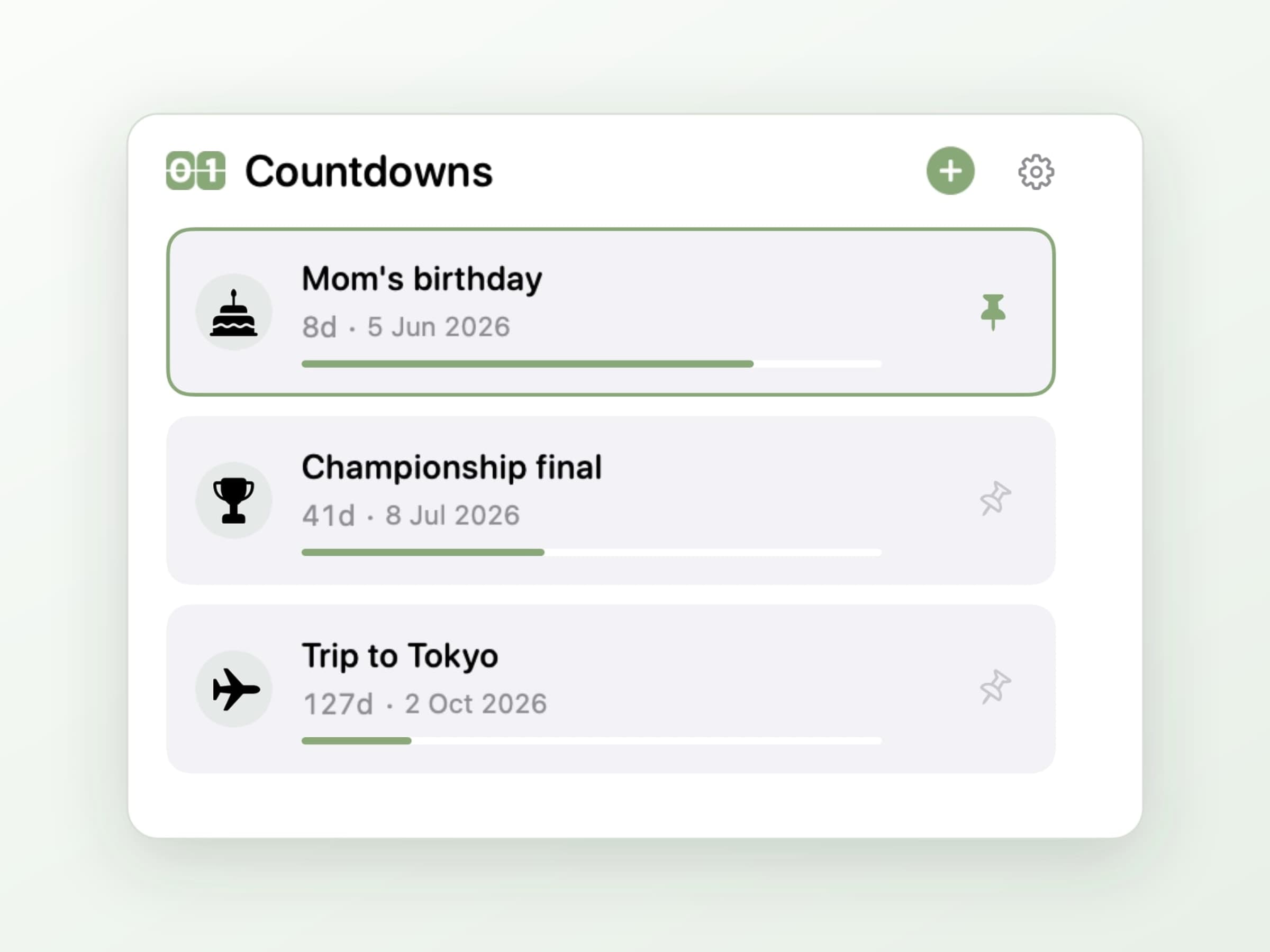
Each row carries the event's icon, its title and its remaining time, and pinning
a different one swaps what the menu bar displays. The hero of the popover is the
current countdown as a large number with its unit - days, then hours, then
minutes as the date closes in - with a second line spelling out the top three
non-zero units underneath: 1 year 2 months 3 days, or 5 days 3 hours 22 minutes.
Time zones, minutes and icons
Adding an event is a short form, and two of its fields are the reason the app exists.
Every event carries its own time zone. A flight leaving Istanbul is counted down in Istanbul time whether you are in Berlin or not. This is the detail most countdown apps get wrong quietly: they store a moment in your current zone, and the number drifts by a few hours the day you travel, which is exactly the day you were relying on it.
Counting to the minute is optional. A birthday is a date; a launch at 14:00 is a moment. The editor has a switch, and the countdown formats itself accordingly.
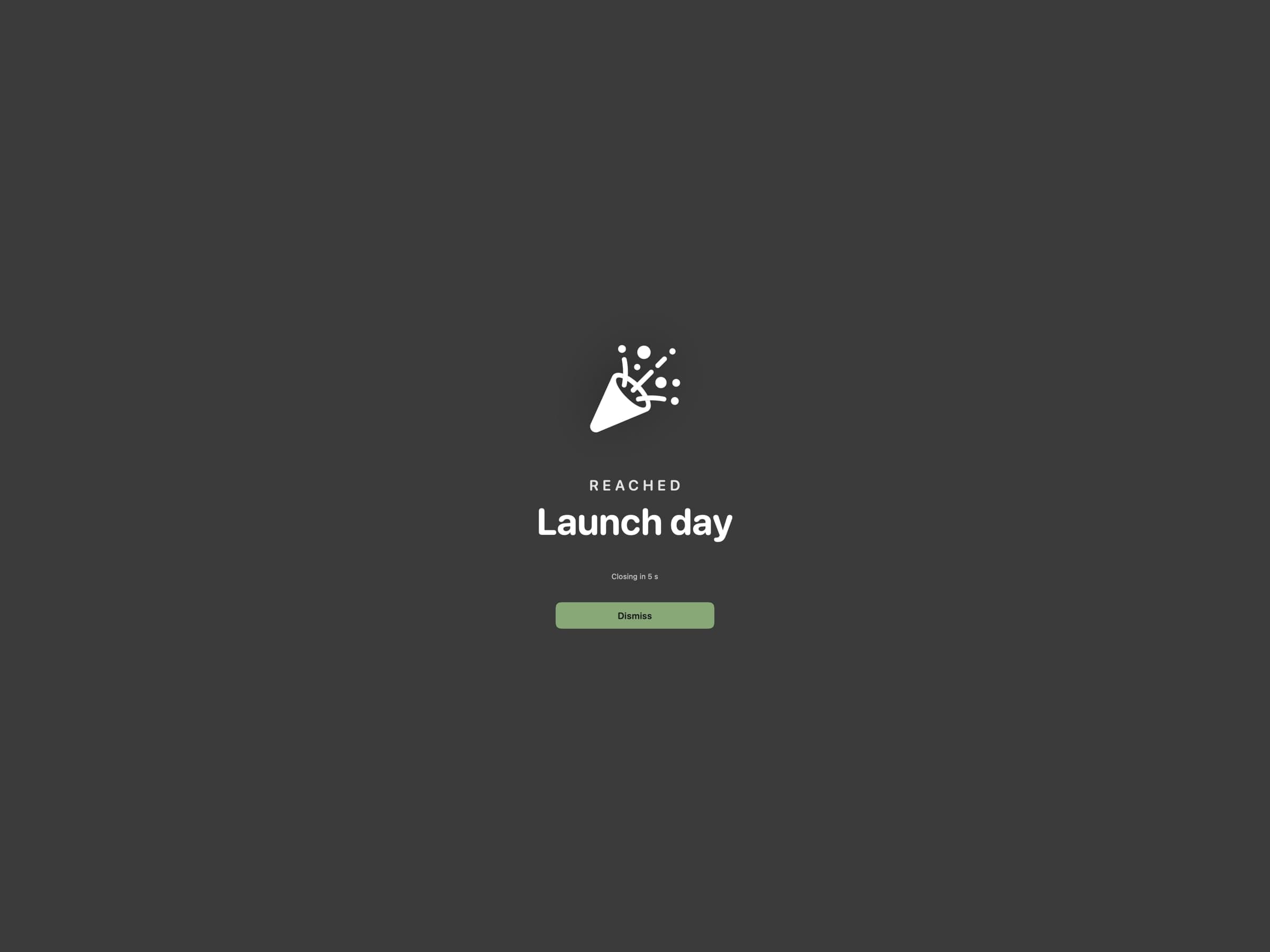
Each event also takes an SF Symbol icon, which is what makes a list of eight countdowns scannable rather than eight rows of text.
Repeats that roll forward
An event can carry a repeat rule - daily, weekly with a chosen set of weekdays, or monthly. Once a recurring countdown is reached it rolls forward to its next occurrence on its own, so a weekly standup or a monthly invoice date is entered once and then maintains itself.
The rule is deliberately a small subset of what a calendar can express. The time of day, and for monthly the day of the month, come from the event's own date rather than from extra fields, so there is one date to get right instead of two places for it to disagree with itself.
What happens at zero
Two options, and the default is the loud one.
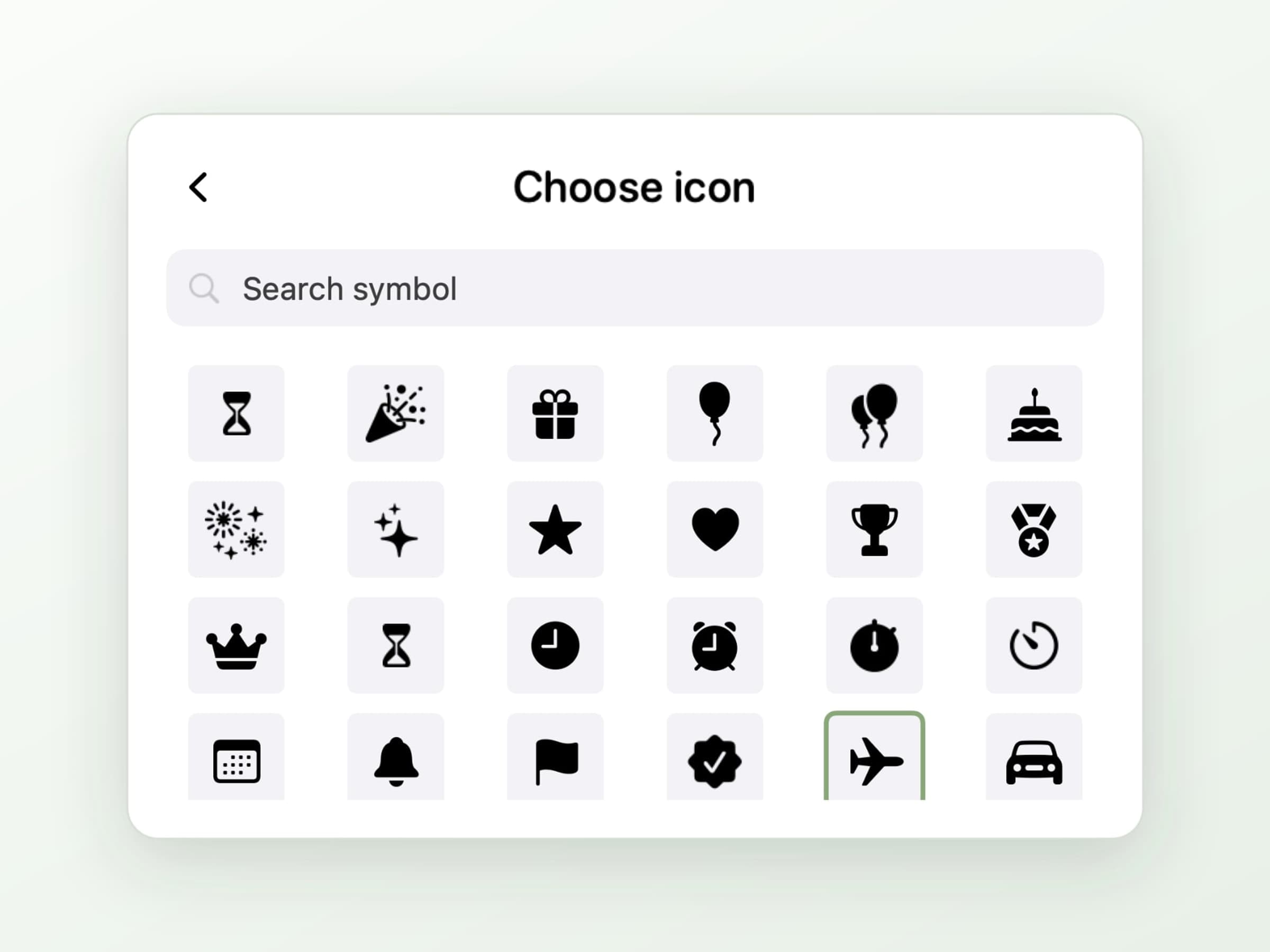
By default a calm full-screen celebration plays - and it plays on every connected display, not just the one you were looking at, so a second monitor cannot swallow the moment. It dismisses on its own.
If a takeover is not what you want, turn it off and Await posts a plain local notification instead. Turn both off and the countdown simply reaches zero in the menu bar, which for a deadline you are already dreading is arguably the correct setting.
What it deliberately does not do
It does not read your calendar. There is no account to connect and no permission dialog on first launch; events are typed into the app and stay there. The trade is that a countdown has to be entered by hand, which for the handful of dates worth pinning is about thirty seconds of work in total.
There is no sync and no iPhone app. Everything is a small file on your Mac.
It runs entirely offline. The only network traffic is update checks, so the countdown to the flight works on the plane, which is a slightly absurd thing to have to say about a countdown app and yet is not true of all of them.
What it costs, and what else to look at
Await runs on macOS 14 or later, on Apple Silicon and Intel, and takes about 18 MB. It is pay what you want with a suggested price of $2, which genuinely includes paying nothing. The full specification is on the Await page.
Await counts down to a date. If what you want counted down is the block of work in front of you right now, that is a different tool - Anchored keeps one task and its remaining time in the same menu bar. There is a wider survey of the small stuff in Mac utility apps worth installing.