What the 20-20-20 rule is, and why an app has to help
Every twenty minutes, look at something twenty feet away for twenty seconds. That is the whole rule. It exists because the muscle that focuses your eye stays contracted the entire time you look at a screen at arm's length, and relaxing it briefly and often is what stops the ache that arrives around six in the evening.
The rule is trivially easy and almost nobody follows it, for one reason: you cannot notice you have stopped noticing. Twenty minutes of concentration is precisely the state in which no internal signal fires. Something outside your head has to do the counting.
Recess is that something on macOS. Everything below is in the shipping version.
Two timers, because eyes and body are not the same problem
Recess runs two independent cadences. Eye rest wants to be frequent and very short. Standing up and stretching wants to be occasional and longer. Put them on one clock and one of the two is always wrong - either you are stretching every twenty minutes, which is absurd, or you are resting your eyes every hour, which does nothing.
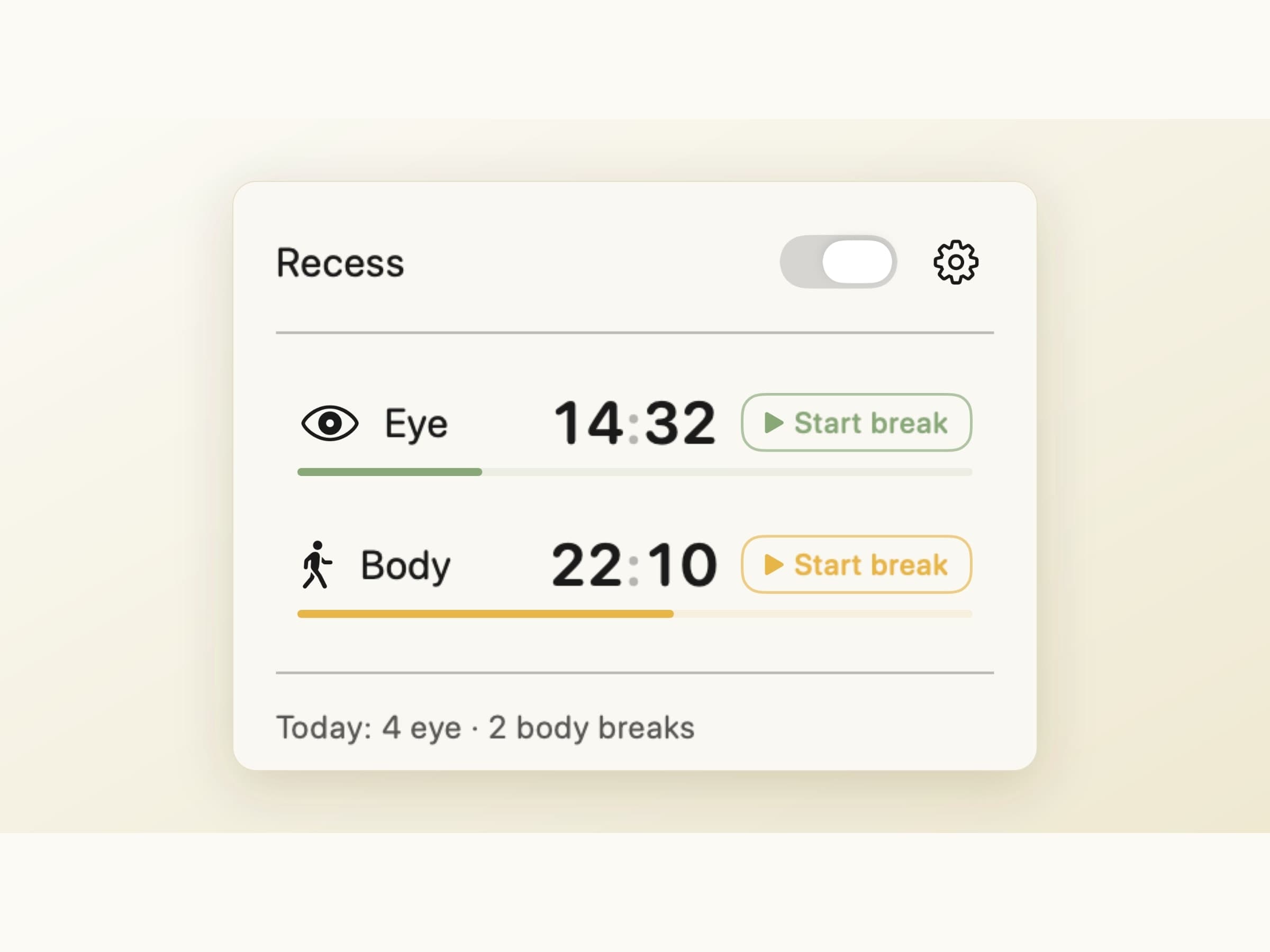
The popover shows both counting down side by side, each with a Start break button if you want to take one early, a master toggle to pause everything, and a one-line tally: Today: 4 eye · 2 body breaks.
Three presets set both cadences at once:
| Preset | Eye break | Body break |
|---|---|---|
| Light | 45 s every 30 min | 3 min every 90 min |
| Standard | 2 min every 20 min | 5 min every 50 min |
| Strict | 90 s every 15 min | 5 min every 40 min |
Every interval and duration is also editable directly, which turns the preset into a starting point rather than a cage.
What a break looks like
When one is due, an overlay covers every connected display - a second monitor you can keep working on would defeat the point - and states one instruction.
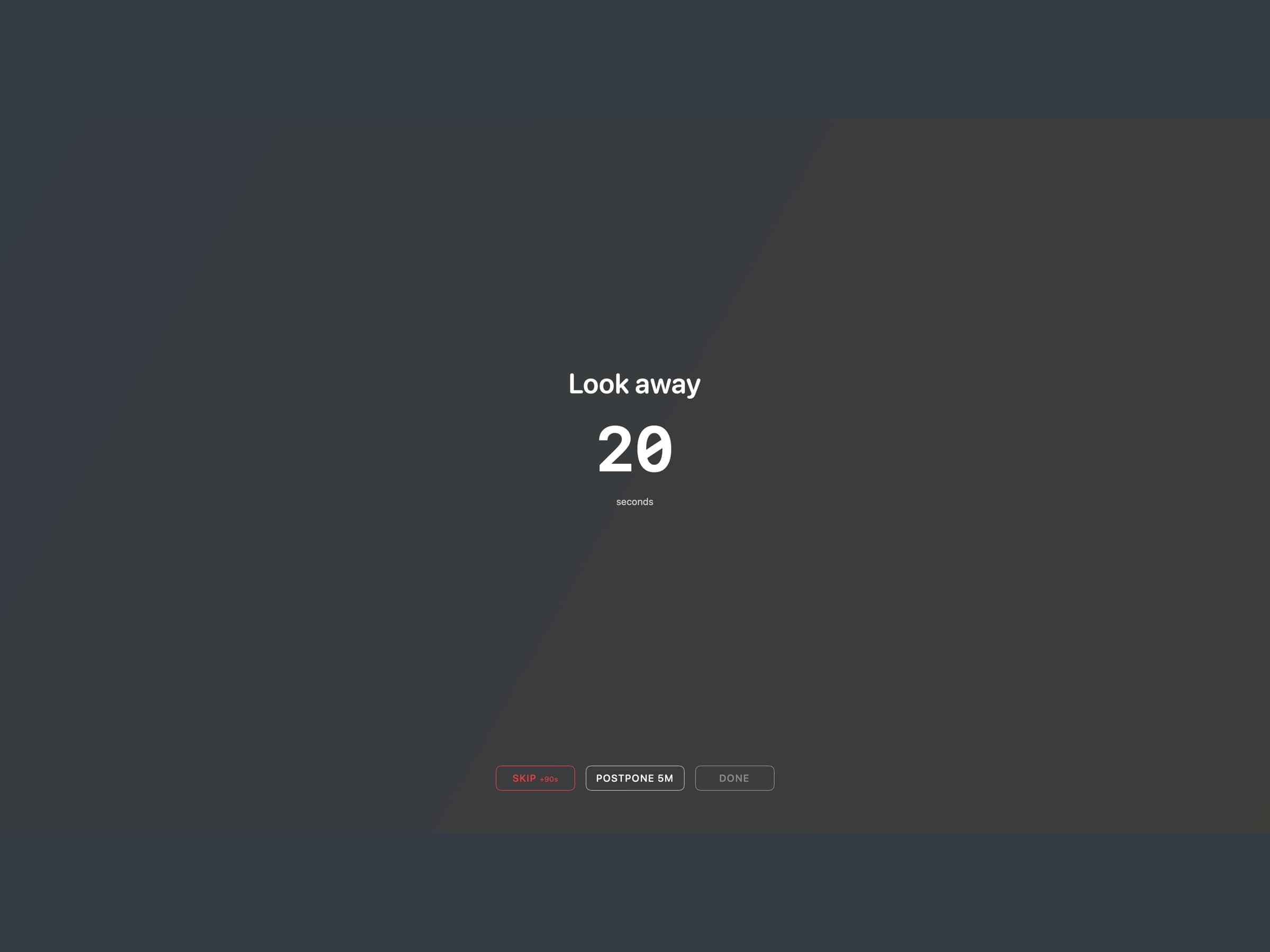
For an eye break it says Look away with a countdown in seconds. For a body break it says Stand up. with one in minutes.
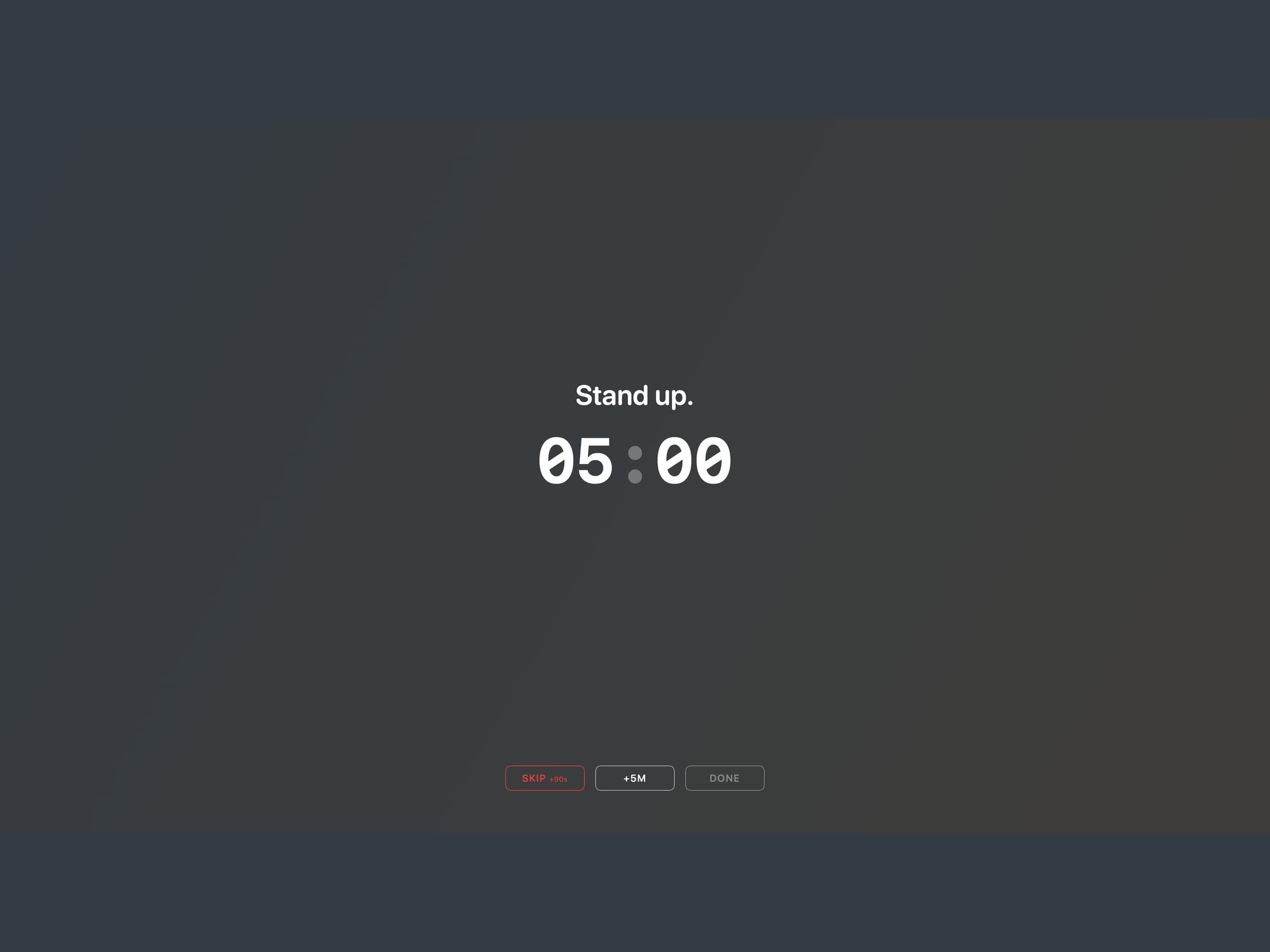
There is nothing else on the screen: no animation competing for the attention you are supposed to be resting, and the overlays honour the macOS Reduce Motion setting. Chimes at the start and end are optional.
Three buttons sit at the bottom, and their labels are the design:
- Skip +90s - it prints its own penalty on itself
- Postpone 5M - available once per rolling hour
- Done - ends the break early once the countdown has run
The escalation, and why it is small
Skipping an eye break adds time to the next one, and the penalty escalates inside a rolling hour: 90 seconds, then 180, then 300 for the third and beyond. An hour without a skip clears it. Skip three in a row and the app bounces its icon in the Dock, which is the loudest thing it ever does.
Body-break skips are recorded but do not add to that pool, because five minutes of stretching is not a debt you can usefully accumulate.
If the whole idea grates, skip penalties can be turned off entirely in Settings. A prompt you cannot argue with is a prompt you disable at the app level, and an app disabled at the app level helps nobody.
What it does when you are not there
Three checks stop Recess from asking you to rest from work you were not doing.
Idle detection pauses both timers when you stop touching the machine, so a walk to the kitchen does not come back to a break you already took.
Focus and Do Not Disturb hold breaks entirely. An overlay landing on a screen you are sharing in a meeting is the failure that gets a break app uninstalled within a week.
Video playback detection delays a break during full-screen video, with a separate switch, because being interrupted twenty minutes into a film is not a health intervention.
Two global shortcuts sit on top of all of it: Command Shift B starts a break now, and Control Command P pauses and resumes. The second uses Control rather than Shift on purpose - Command Shift P is private-window in every browser.
What it records
A 60-day log, daily counters and a weekly report, all stored locally. Nothing is written to Apple Health and nothing is uploaded. The point of the log is the weekly shape, not a score.
What it costs, and what else to look at
Recess runs on macOS 14 or later, on Apple Silicon and Intel, and takes about 30 MB. It is pay what you want with a suggested price of $3, which includes paying nothing. The full specification is on the Recess page.
Recess rests you on its own clock, regardless of what you are doing. If you would rather rest on your work's rhythm - a break earned at the end of a focus block - that is a Pomodoro timer, Pawodoro. The other thing a desk quietly costs you is water, which is Aqumi. Both are covered together in desk health apps for Mac.